Top 10 CRM systems for e-commerce, dropshipping, and online retail in 2026 🛒
Managing an online store with one or two orders a day is easy enough without specialized software: accept an order, issue an invoice, and ship the product. But once your store starts handling 10–20 orders daily, automation becomes essential.
CRM (Customer Relationship Management) systems automate and streamline customer interactions by:
- collecting orders from multiple sources, including websites, marketplaces, landing pages, messengers, and phone calls;
- automatically creating customer profiles so the assigned sales representative immediately sees all relevant information;
- sending SMS, email, and messenger notifications about order status;
- generating invoices, shipping documents, and other paperwork;
- synchronizing inventory across your online store, warehouse, and marketplaces;
- managing warehouse stock and reserving products for paid orders;
- tracking sales performance, marketing campaigns, and employee productivity.
E-commerce CRM systems also integrate with payment gateways and shipping providers. These integrations speed up payment processing and order fulfillment while minimizing human error.
How to choose a CRM for e-commerce and product-based businesses?
The right CRM depends on your company’s specific needs. For example, if you don’t operate a warehouse, built-in inventory management may not be a priority.
That said, there are several universal criteria worth considering:
- Shipping carrier integrations. Your CRM should automatically transfer orders to delivery services and track shipment statuses;
- Marketplace and landing page support. If you sell through marketplaces alongside your website or landing pages, the system should consolidate all orders into a single interface—especially if you’re running a dropshipping business;
- Order processing automation. Automatic invoice generation, customer notifications, custom order statuses, and lead distribution between sales reps significantly reduce manual work and human error;
- API integrations. A CRM for product-based businesses should connect with third-party services, payment systems, telephony, advertising platforms, and your own internal tools;
- Omnichannel communication. An e-commerce CRM should consolidate inquiries from your website, messengers, phone calls, email, and social media into a single sales pipeline.
The right CRM does much more than automate your online store. It also helps you:
- reduce order processing costs;
- improve employee productivity;
- minimize operational errors.
Let’s take a look at some of the most popular CRM platforms and see what makes each one stand out. 👇
Salesforce
Salesforce is a cloud-based platform built for medium-sized and large enterprises. It focuses on scaling complex sales processes and customer relationship management throughout the entire customer lifecycle.
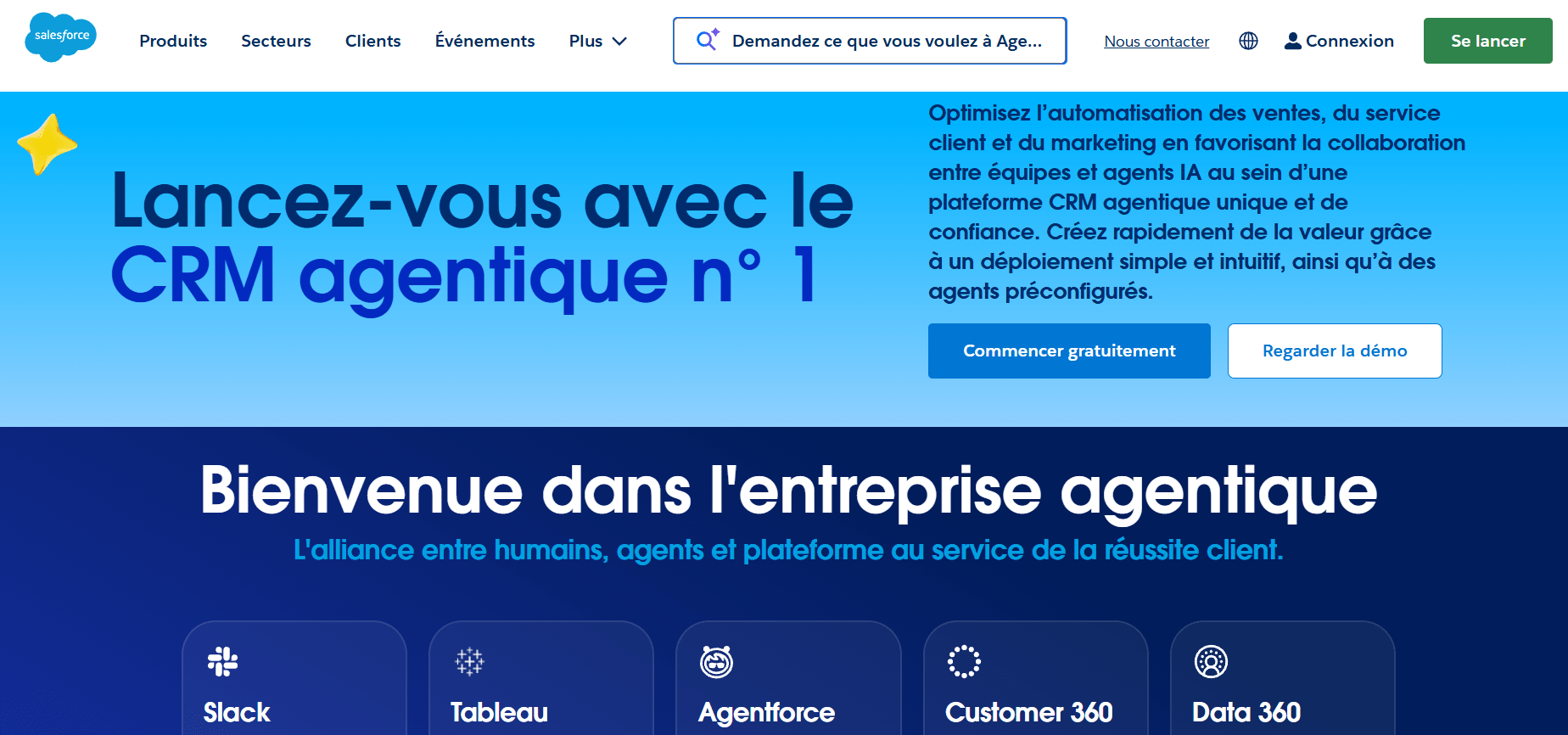
Salesforce’s standout feature is its unified ecosystem (Sales Cloud, Service Cloud, and Experience Cloud) powered by deeply integrated autonomous AI agents called Agentforce. Rather than simply responding with predefined scripts, these AI agents can independently complete tasks — from nurturing leads and scheduling meetings to handling customer complaints. 🤖
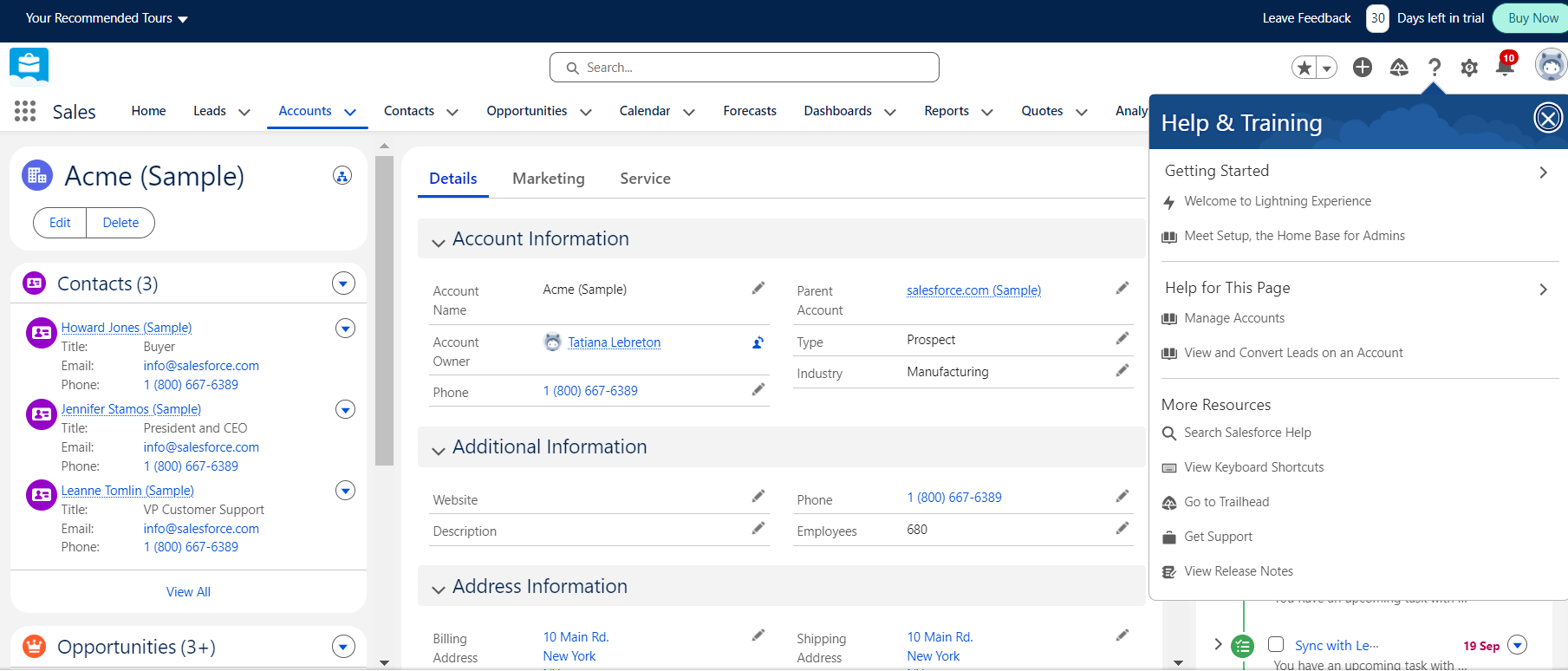
Salesforce’s key strengths include its unified customer profile and extensive automation capabilities:
- Sales optimization. Automatic lead assignment, lead scoring, AI-powered recommendations for sales reps, and automated proposal and invoice generation;
- 24/7 autonomous customer support. AI agents handle incoming requests across all channels—including text, voice, video, and email—and automatically escalate complex cases to service specialists;
- Marketing automation (B2B and B2C). Build dynamic customer journeys, automatically segment audiences, and launch personalized email and advertising campaigns.
Salesforce also provides detailed real-time analytics and reporting, including:
- revenue and sales pipeline forecasting;
- sales velocity tracking;
- lead conversion rates by channel and sales representative;
- customer acquisition cost (CAC) and customer lifetime value (LTV);
- customer support performance metrics, including CSAT, First Response Time, and Average Handling Time (AHT).
The main drawbacks are its high per-user licensing costs and complex implementation. Companies with highly customized business processes typically need certified Salesforce specialists to configure and deploy the platform properly.
Microsoft Dynamics 365
Microsoft Dynamics 365 is an enterprise platform designed for large businesses and corporations. It combines sales, marketing, employee management, customer service, and business analytics within a single ecosystem.
Its biggest advantage is seamless, out-of-the-box integration with Microsoft’s ecosystem, including Outlook, Excel, Word, Teams, and SharePoint. Employees can manage deals and customer communications directly from the Office applications they already use, without requiring additional development.
Microsoft Dynamics 365 stands out for its highly structured and customizable business processes:
- Sales. Every stage of the sales cycle can be configured—from automatically responding to new leads and managing upsell opportunities to generating final invoices with custom price lists and customer-specific discounts;
- Customer support. The platform can automatically respond to common support requests, provide self-service portals for both B2B and B2C customers, and give support agents a unified workspace for handling emails and phone calls;
- Customer segmentation and marketing. Create dynamic and static customer segments based on geography, demographics, or purchase history, launch marketing campaigns, and measure customer engagement.
Microsoft Dynamics 365 also offers detailed reporting across virtually every aspect of your business, including:
- marketing campaign performance (customer acquisition cost, ROI, customer lifetime value, etc.);
- customer service metrics such as First Response Time and ticket resolution trends;
- customizable dashboards tailored to executives, sales teams, and customer support staff.
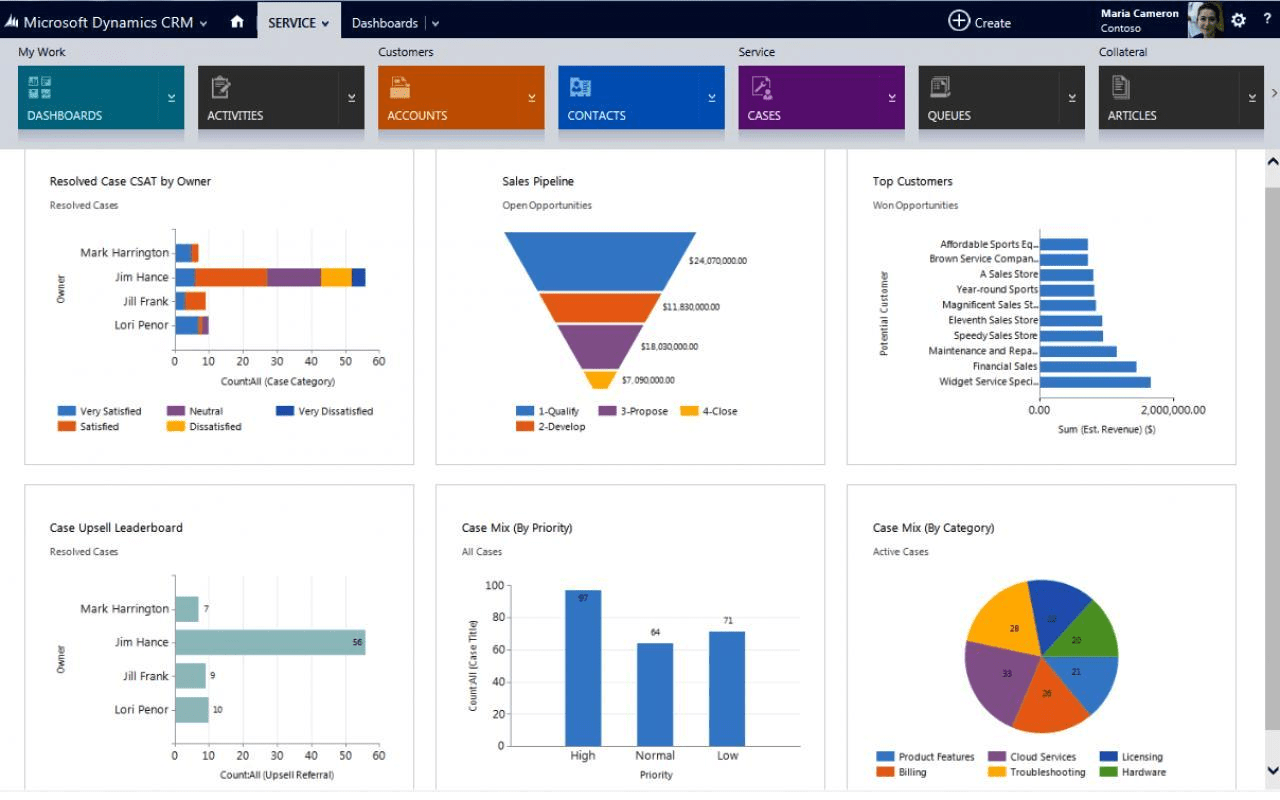
Based on this data, the platform can forecast future sales opportunities and revenue.
The system is built for enterprise-scale workloads and can support up to 150,000 concurrent users.
Its biggest drawback is the complexity of implementation. Besides deploying the CRM itself, companies typically need powerful servers with large amounts of RAM and fast SSD storage. They must also purchase licenses for Microsoft SQL Server, Windows Server, and Active Directory. Employee training is usually required as well due to the platform’s extensive customization capabilities.
HubSpot
HubSpot is a cloud-based business platform suitable for both mid-sized and large companies. It brings customer acquisition, sales, and analytics together in a single workspace.
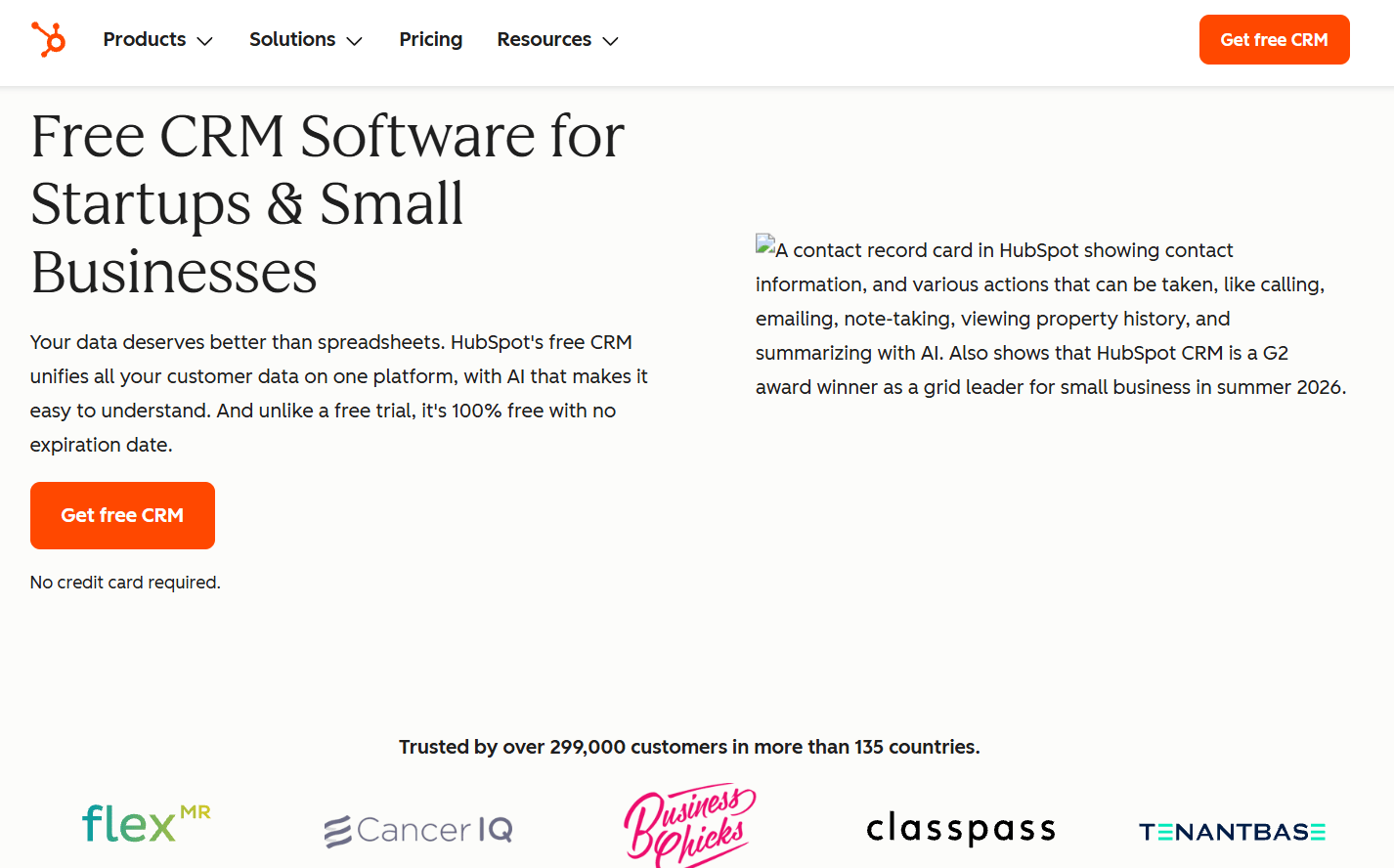
The platform allows businesses to capture leads from web forms and landing pages, nurture them through automated email campaigns, and pass qualified prospects directly to the sales team.
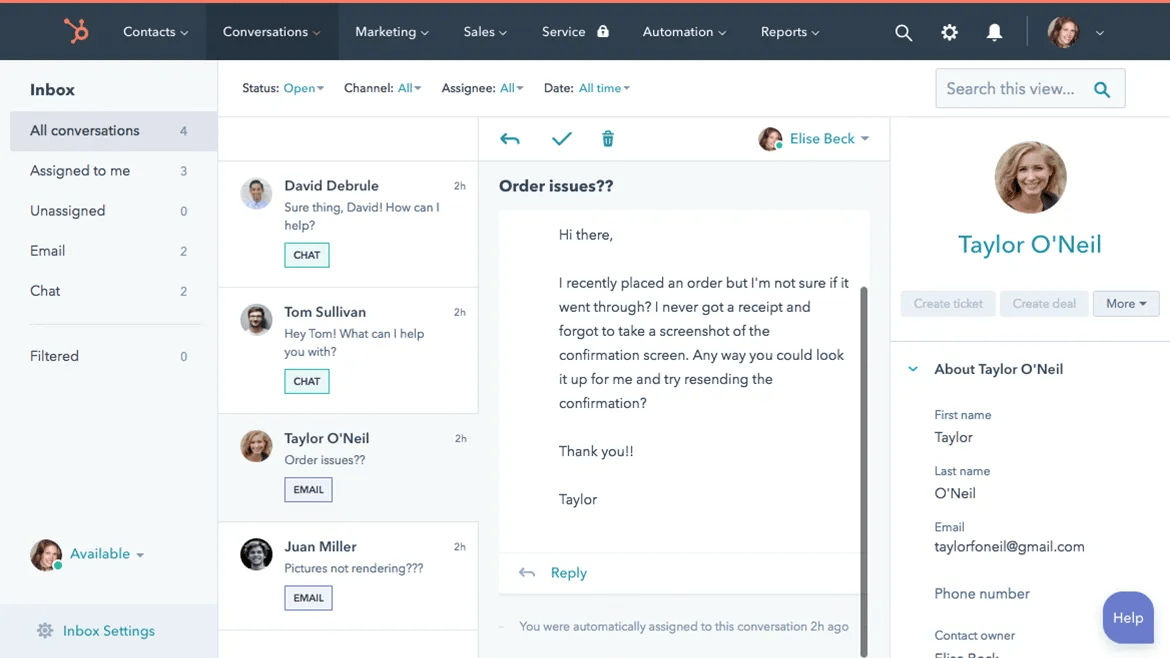
HubSpot’s primary focus is automating customer interactions throughout every stage of the customer journey:
- Sales automation. Email synchronization with Gmail and Outlook, real-time email open and click tracking, automatic task creation, and visual sales pipeline management;
- Email marketing and social media. A built-in workflow builder for automated email sequences, social media publishing tools, and no-code landing page and form builders;
- Customer service automation. Includes a ticket management system, and website live chat with automatic routing of complex inquiries to support agents.
The main downside is pricing. Costs increase significantly as your business scales or when you add premium modules. Because HubSpot offers such an extensive feature set for medium-sized and enterprise businesses, mastering the platform also takes time. As a result, it isn’t the best choice for freelancers or very small businesses.
Oracle BPM Suite
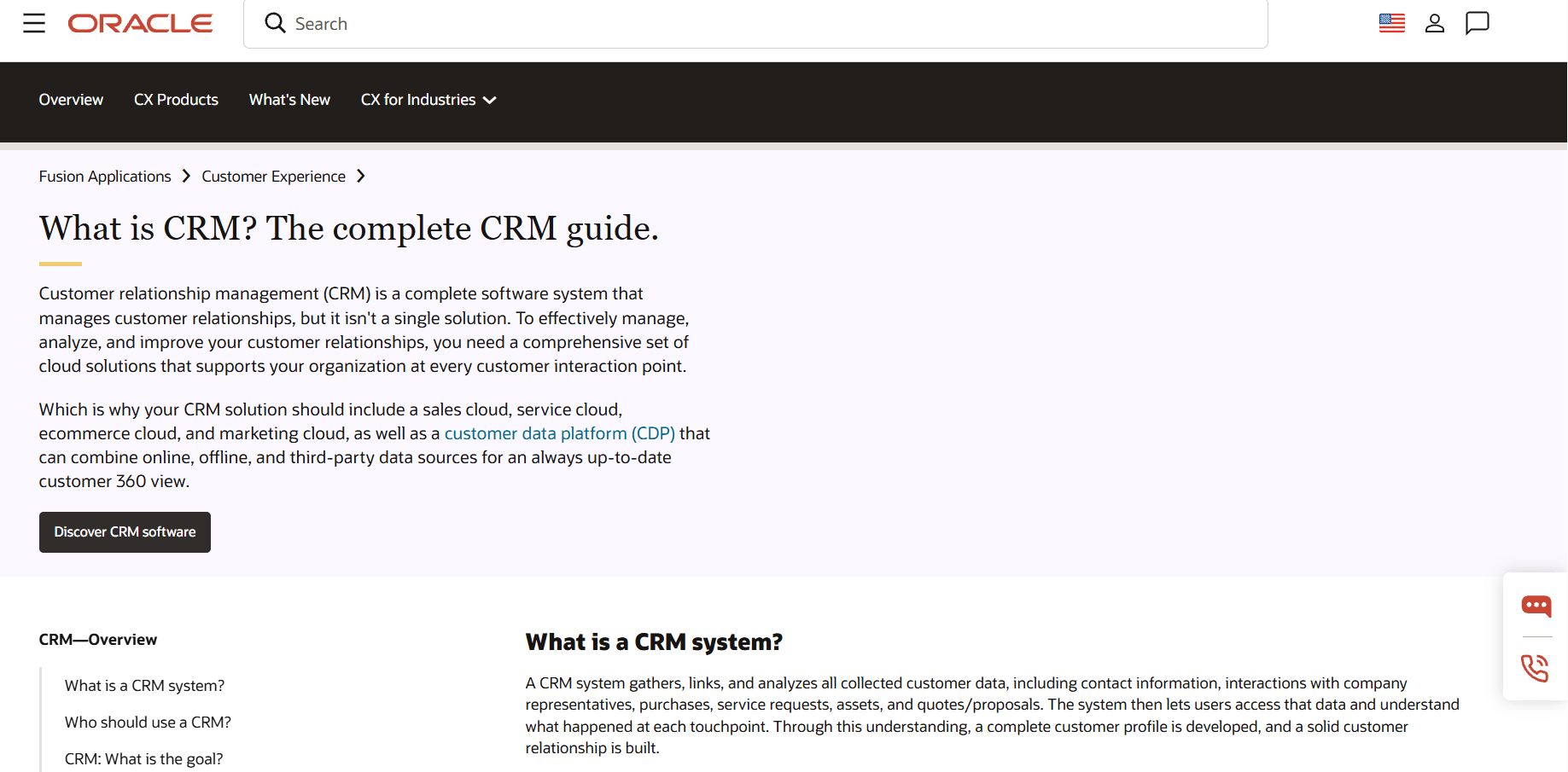
Oracle BPM Suite is more than just a CRM — it’s a comprehensive Business Process Management (BPM) platform designed to manage and automate virtually every business process, including sales pipelines, employee workflows, task management, and analytics for sales, marketing, and operating expenses.
Oracle provides several proprietary business tools within the platform:
- Oracle BPM Process Composer. A web-based designer for creating business processes, forms, and performance metrics;
- Oracle BPEL Process Manager. A tool for managing modules built on the Oracle BPEL engine, such as end-to-end order processing, credit approval workflows, lead scoring, procurement approvals, and more. It also simplifies the deployment of these modules;
- Oracle Business Rules. A rule engine that embeds business logic directly into workflows. For example, if an order exceeds $100, the system can automatically add a promotional bonus;
- Oracle Adaptive Case Management. A solution that consolidates tasks and business cases into a single environment, giving managers real-time visibility into ongoing operations. It also integrates with predictive analytics tools such as Oracle R Enterprise, enabling real-time decision-making based on live business data;
- Oracle Business Activity Monitoring (BAM). A customizable analytics module for tracking sales, marketing performance, profitability, conversion rates, and other key business metrics.
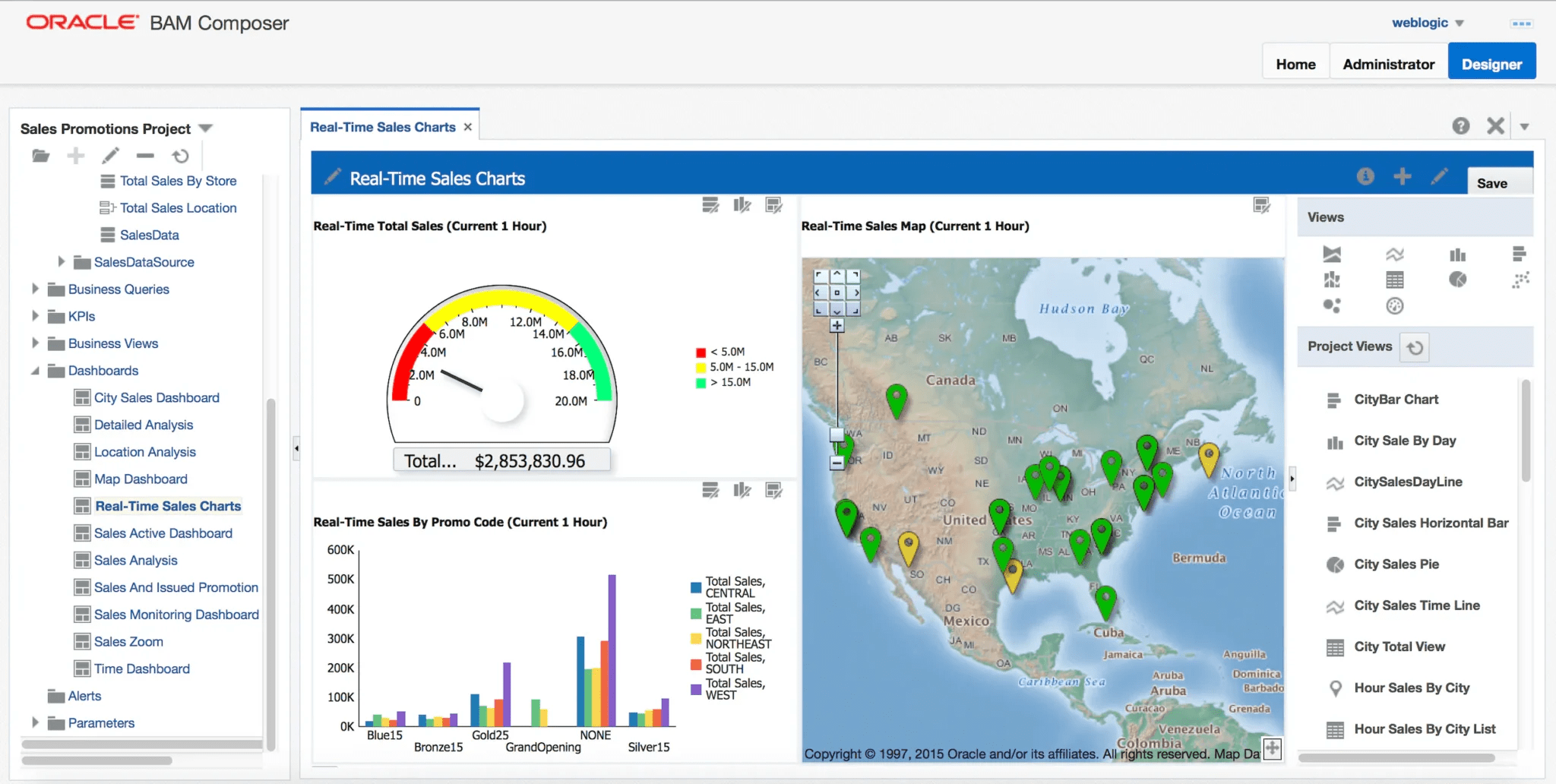
Oracle BPM Suite is a powerful yet highly complex platform intended primarily for government organizations and large enterprises. It is capable of processing thousands of business transactions per second, making it far more powerful than most small and medium-sized businesses require.
Zoho CRM
Zoho CRM is a cloud-based platform developed by the Indian software ecosystem Zoho for businesses of all sizes.
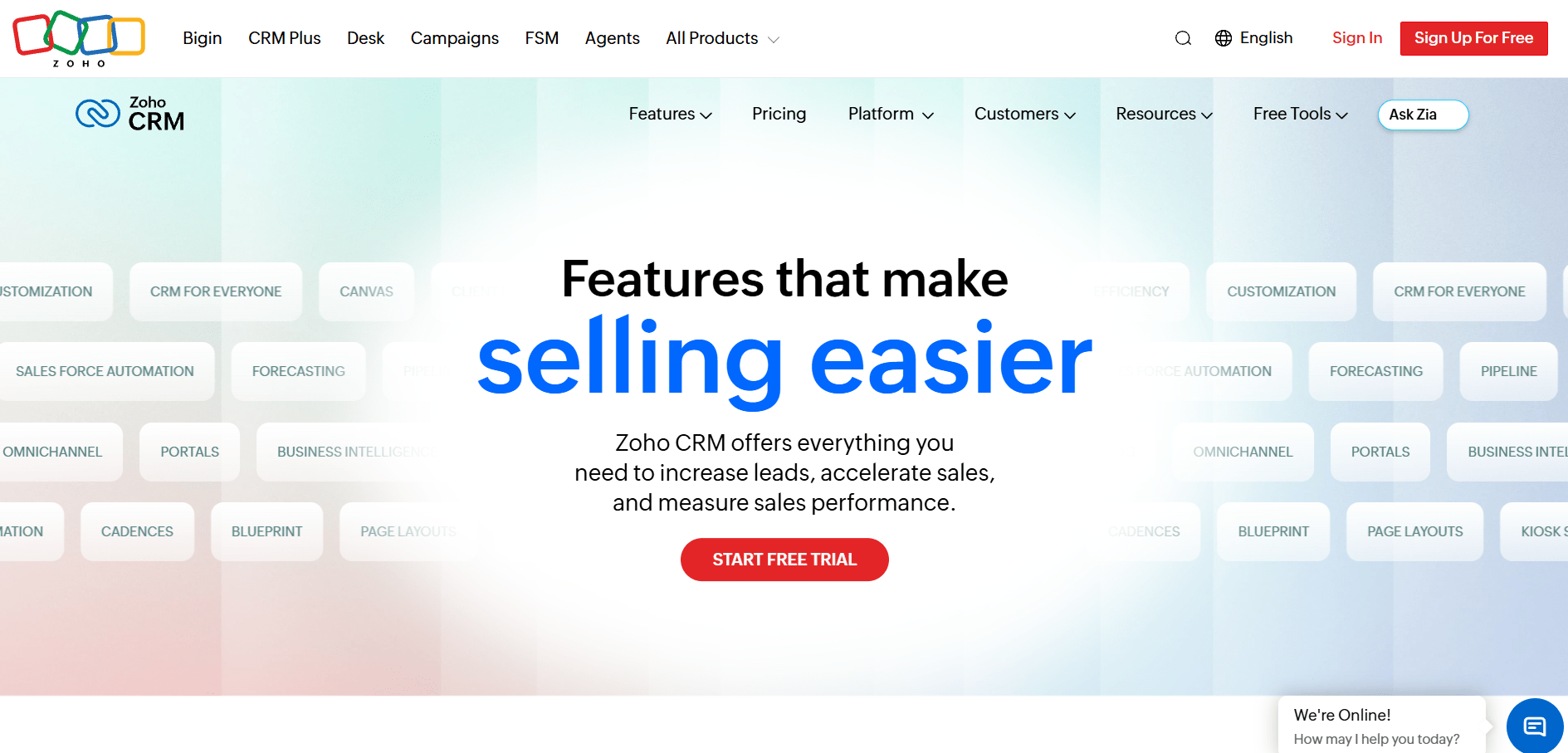
Its core capabilities include:
- Sales modules. Manage leads and deals with automated responses, intelligent lead assignment, price lists, quotations, purchase and sales orders, and invoicing;
- Built-in inventory management. Track stock levels, incoming shipments, product sales, and returns;
- Workflow and form builders. Customize sales pipelines with Blueprints, create guided data-entry forms, design no-code interfaces using Canvas, and collect leads through web forms;
- Zia AI. Zoho’s built-in AI assistant can import data from external sources, predict deal closures, generate content, provide recommendations, and identify the most effective sales channels and workflows;
- Communication and automation. Includes SalesInbox, an integrated email workspace, an automated email campaign builder, and rule-based lead assignment;
- Analytics and reporting. Integration with Zoho Analytics provides detailed insights into sales performance, manager productivity, lead conversion rates, sales trends, and KPI tracking.
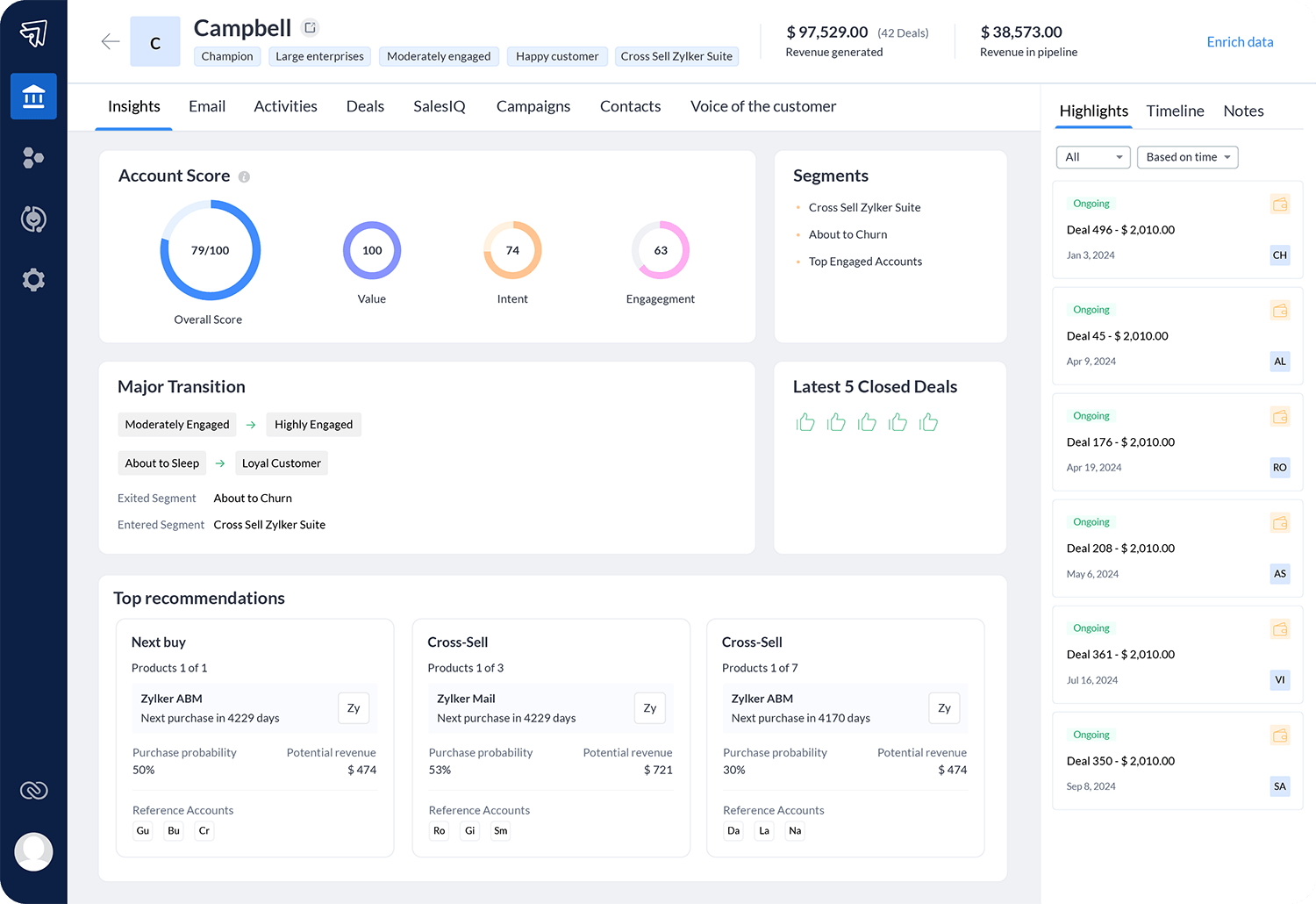
Zoho CRM also includes fully featured mobile apps for both iOS and Android.
One of the drawbacks is its relatively limited knowledge base. Some modules lack detailed step-by-step documentation, which can make implementation more challenging.
Pipedrive
Pipedrive is a cloud-based CRM created by sales professionals specifically for sales teams. The platform focuses exclusively on pipeline management, sales activity tracking, and maintaining full visibility into every deal.
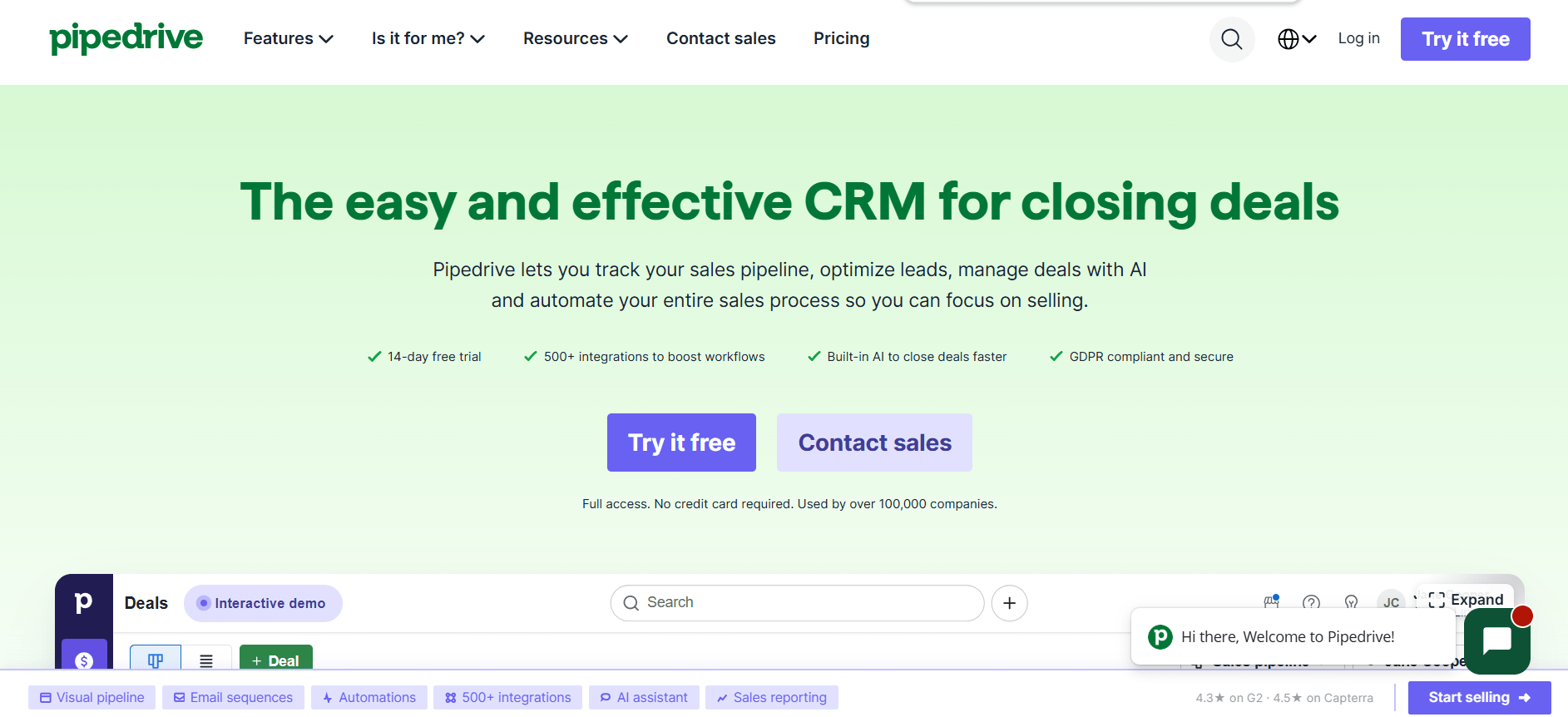
Its core functionality revolves around the sales process:
- Visual sales pipeline. Track deals using a Kanban-style board with customizable stages, mandatory fields, and instant access to notes, contacts, and product information;
- Communication hub. Email synchronization with open tracking, a built-in meeting scheduler integrated with Zoom, Microsoft Teams, and Google Meet, contact segmentation into “People” and “Organizations,” plus built-in IP telephony support;
- Sales optimization. Workflow automation that triggers actions when a deal changes stage, along with Sales Assistant, an AI-powered advisor that recommends the next steps and automatically enriches customer profiles using publicly available data from LinkedIn and Google through Smart Contact Data;
- Analytics and KPIs. Interactive Insights dashboards, flexible conversion reports, revenue forecasting, and customizable performance goals based on calls made, revenue generated, or other sales metrics.
Pipedrive also offers more than 300 ready-made integrations with third-party services, along with an open API.
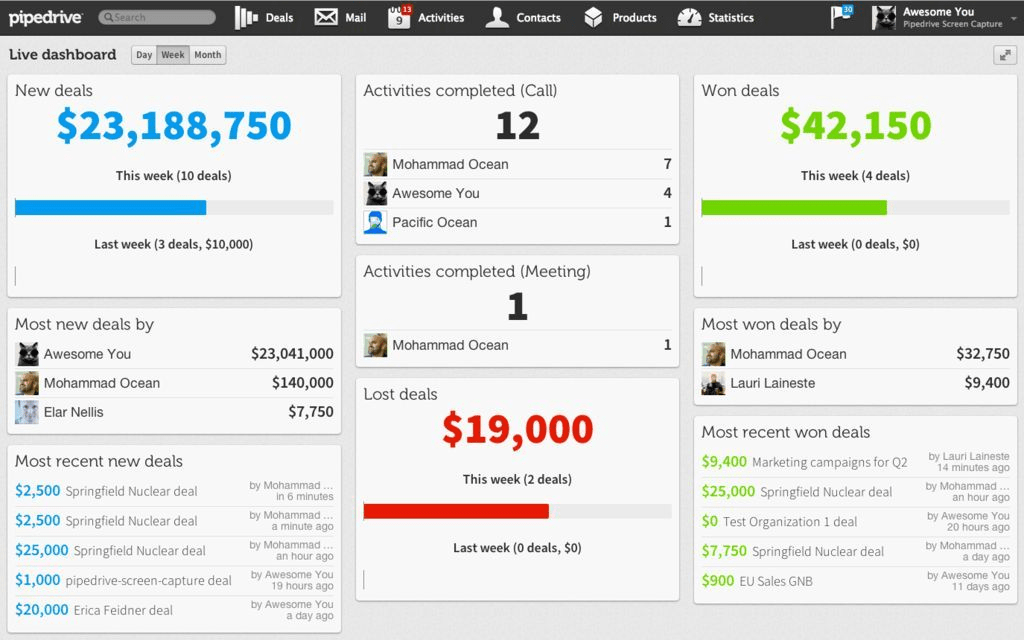
One of its biggest strengths is its exceptionally intuitive interface, allowing teams to get up and running quickly with minimal training.
On the downside, Pipedrive doesn’t include a built-in customer support ticketing system for handling post-sale customer inquiries.
SAP
SAP is much more than a CRM—it’s a comprehensive ERP platform designed to manage every aspect of an enterprise, from manufacturing and finance to inventory and human resources. CRM functionality is integrated as part of this broader ecosystem.
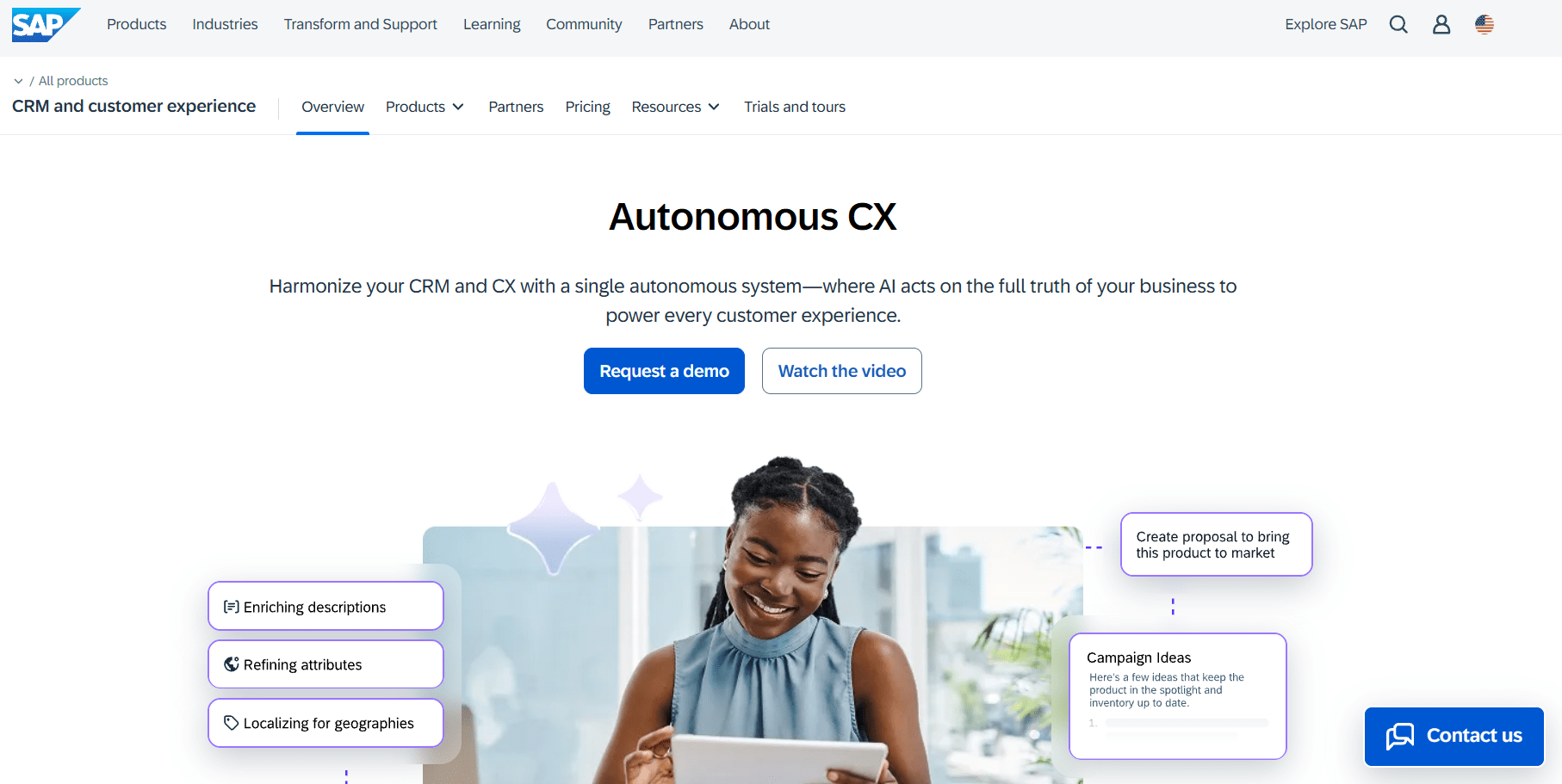
Key CRM capabilities include:
- Sales pipeline integrated with ERP. When a sales representative creates an order, the system automatically checks inventory levels, calculates production costs and taxes, and immediately transfers the information to manufacturing and accounting;
- Joule AI assistant. Supports both voice and text commands, allowing users to perform tasks such as “Show customer X’s outstanding balance” or “Create an order from this invoice” without manual data entry;
- Pricing and discount management. Automatically calculates complex pricing rules, personalized price lists, discount structures, and commercial quotations.
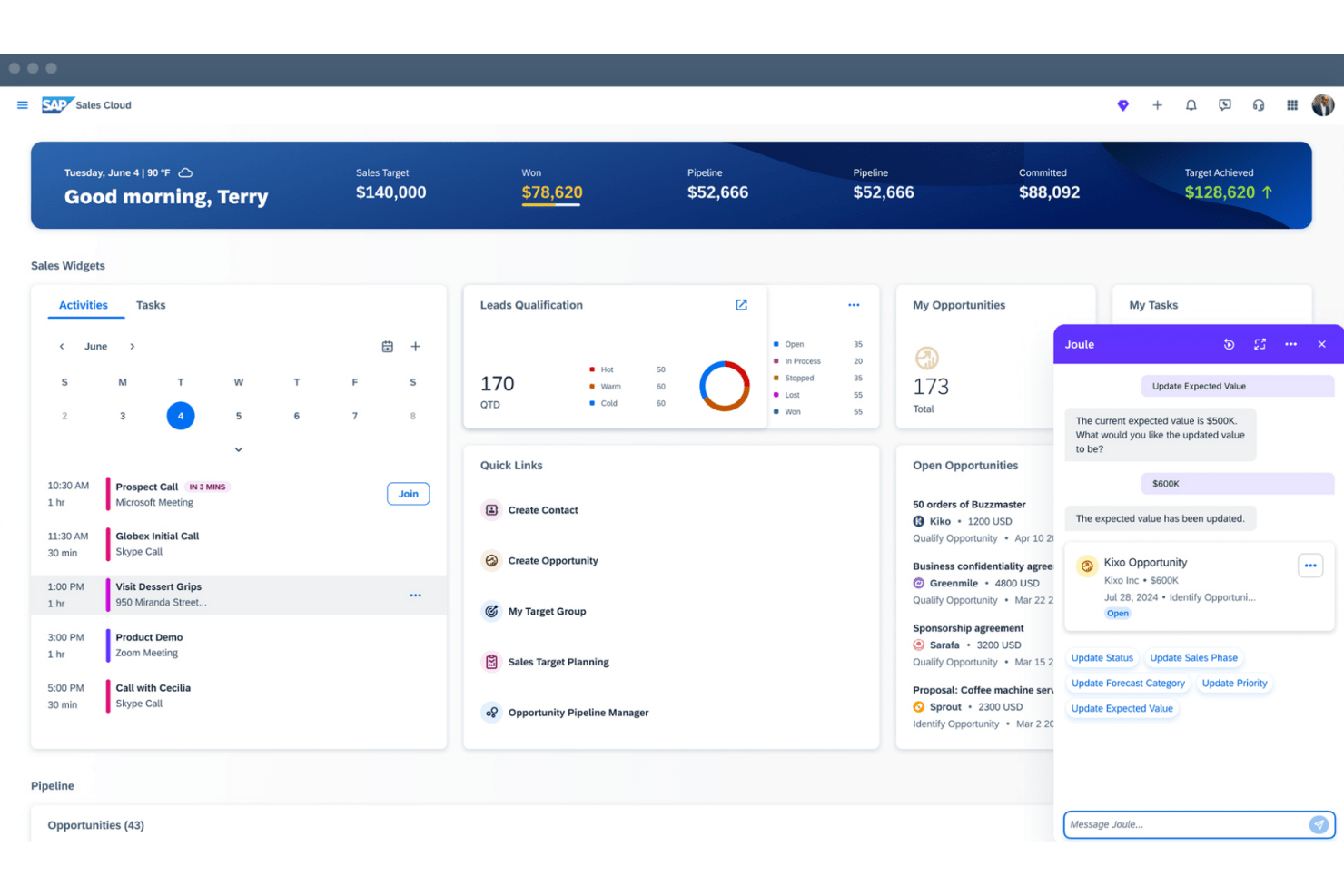
A defining advantage of SAP’s CRM environment is its data processing speed. Its In-Memory technology analyzes terabytes of data in real time, while the platform itself is capable of handling millions of transactions per second without interruption. ⚡
However, SAP is a highly complex enterprise solution that requires significant implementation effort, making it suitable primarily for large companies and multinational corporations.
Monday CRM
Monday CRM is built on top of Monday Work Management, the widely used project and task management platform.
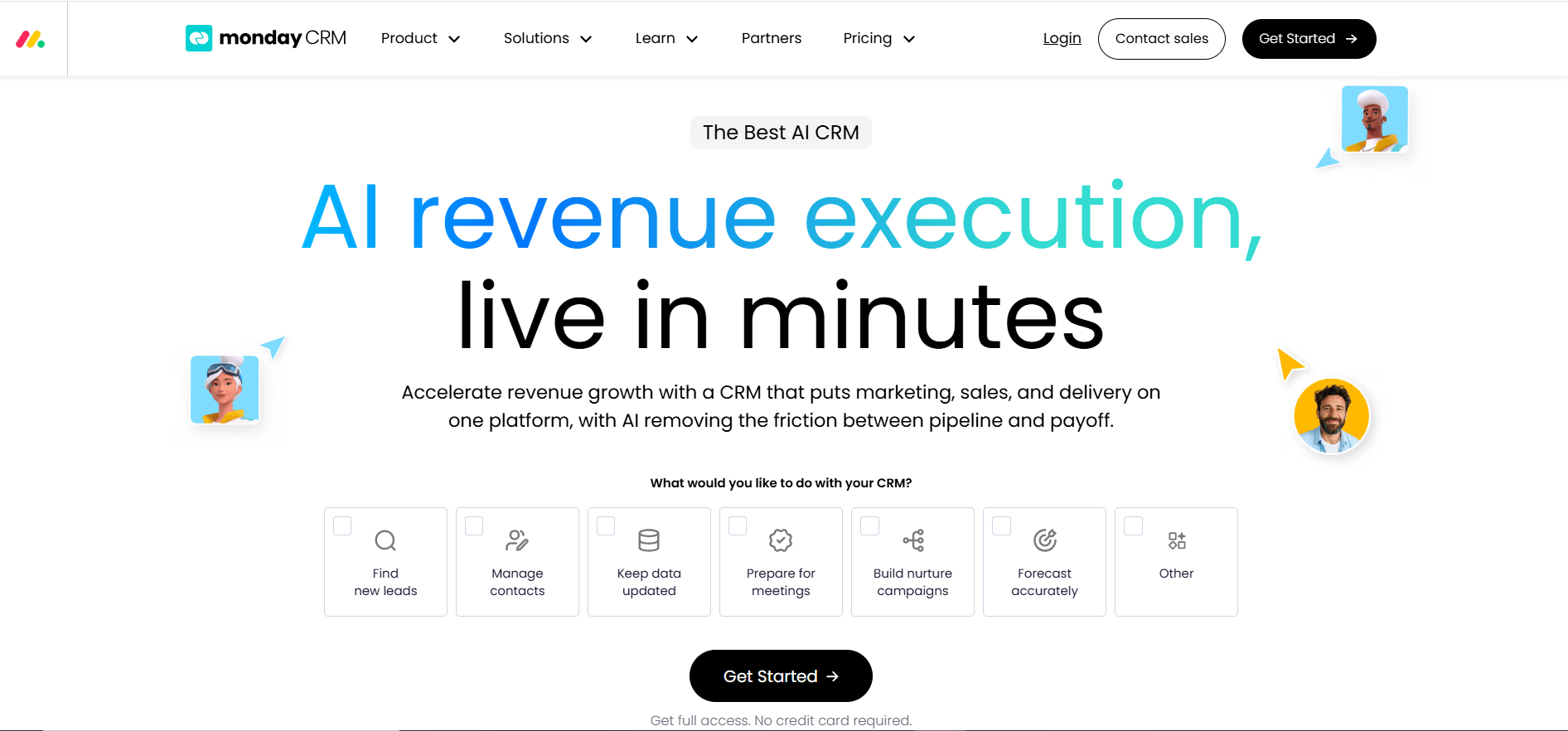
It includes all the essential CRM functionality:
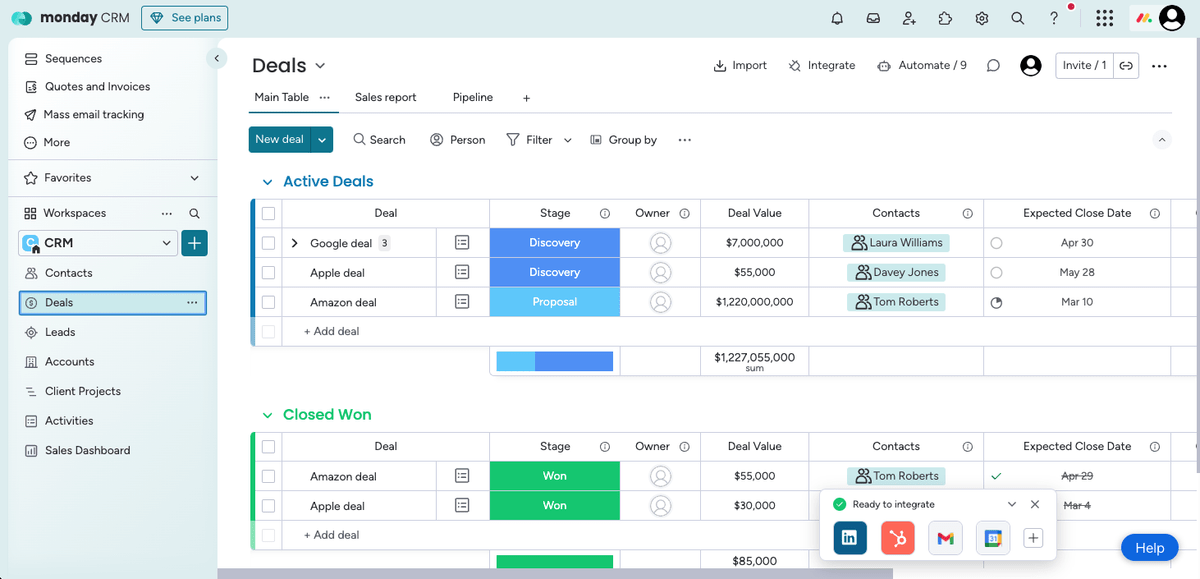
- Deal, task, and contact boards. Flexible tables for managing sales, tasks, and customer information, with simple automation rules such as automatically changing statuses or assigning responsible team members when new inquiries arrive;
- AI Notetaker. An AI-powered meeting assistant that joins Zoom, Microsoft Teams, and Google Meet calls, transcribes conversations, and generates concise meeting summaries;
- Communication center. Email integration combined with built-in notifications that keep employees informed whenever a task or deal moves to the next stage;
- API and Zapier support. Easily connects Monday CRM with a wide range of external applications and business services.
The platform’s biggest strengths are its simplicity and flexibility. The interface can be customized to match a company’s workflows without requiring outside consultants or developers.
There are, however, a couple of drawbacks:
- Seat-based pricing. If you’ve purchased a plan for five users, adding a sixth user requires upgrading to a ten-user plan, effectively doubling the subscription cost.
- Limited CRM specialization. Compared to dedicated CRM platforms, monday CRM offers less advanced sales management and analytics capabilities.
Overall, Monday CRM is well suited for small and medium-sized businesses, including e-commerce companies.
Zendesk
Zendesk is a comprehensive customer service platform with an integrated CRM module for sales management. While its primary focus is customer support (Service Desk), it also includes the essential tools needed to manage sales activities.
The CRM functionality covers all the basics:
- Single workspace. Collect customer inquiries from email, messengers, social media, web forms, and phone calls into one centralized interface;
- Ticketing system and automated replies. Incoming requests are automatically converted into support tickets, while built-in automation handles many common customer inquiries without requiring human intervention;
- Sales automation. Includes ready-made response templates that can be customized, along with workflow automation for actions such as sending emails to customers or notifying the appropriate employee whenever a deal or support ticket changes status;
- Analytics modules. Built-in telephony with call recording, plus detailed reporting on conversion rates, sales performance, and employee productivity.
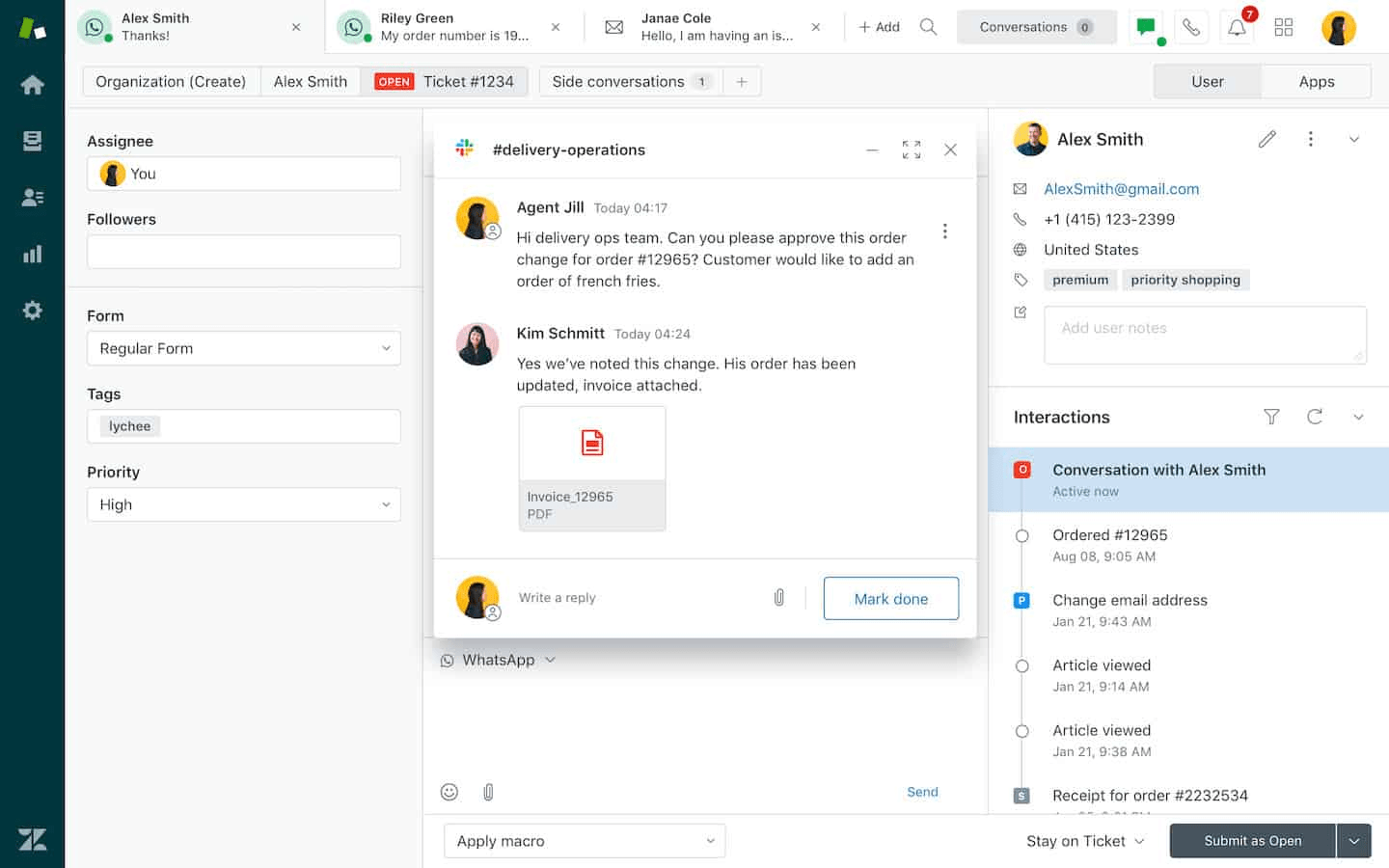
Zendesk’s main advantages are its ease of use and scalability. The platform can be configured without dedicated specialists and adapts well to the needs of both small businesses and large enterprises.
The main limitation is that Zendesk offers only a relatively basic CRM feature set compared to platforms built primarily for sales management.
Freshsales
Freshsales is a cloud-based CRM developed by Freshworks specifically for sales teams.
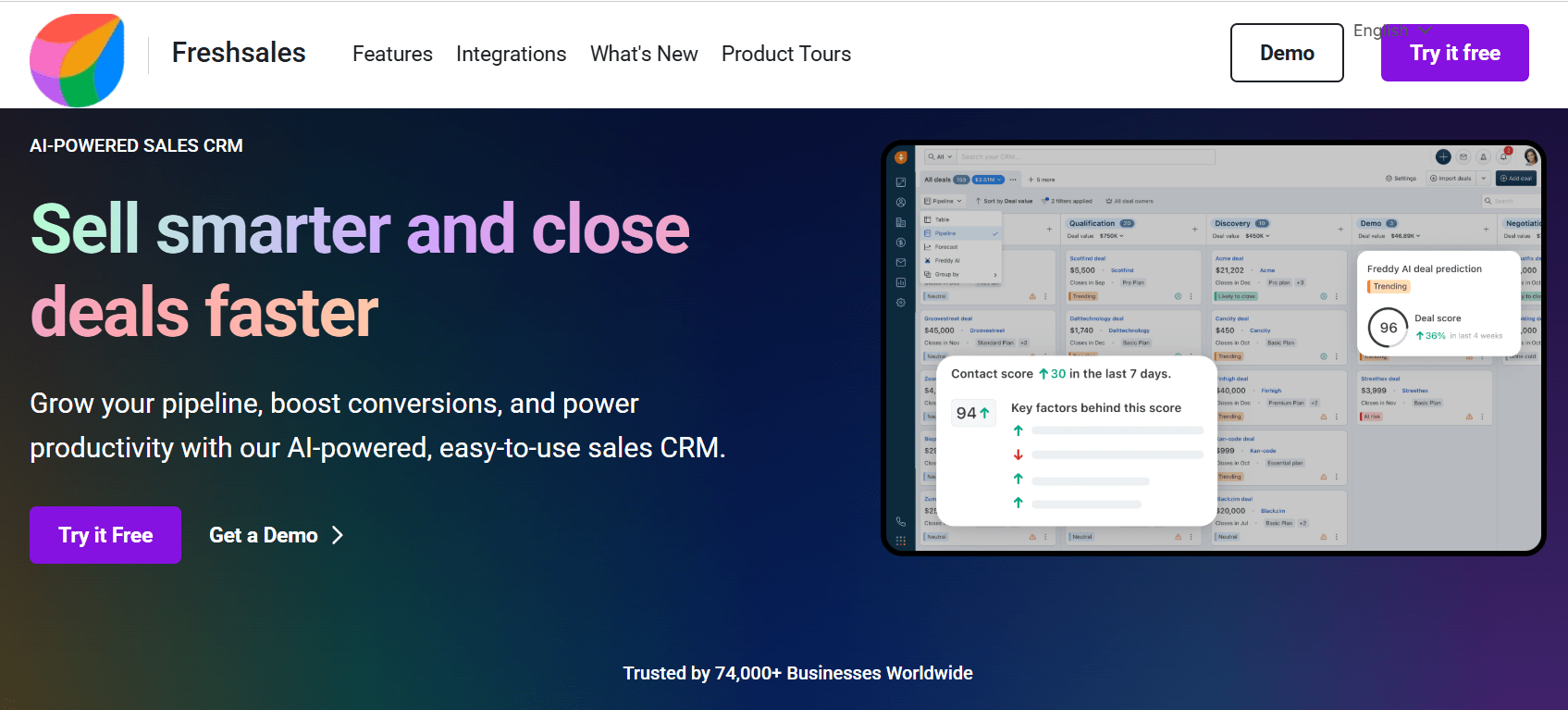
As a result, its functionality is heavily focused on managing the sales process:
- Sales workspace. A visual environment for managing deals, tracking sales stages, updating contact statuses, customizing fields, and maintaining product catalogs;
- Customer profiles. Store purchase history, contact information, average order value, and other customer-related data in a single record;
- Employee management. Track ongoing and completed tasks while giving sales representatives instant access to the customers they’re responsible for or are automatically assigned to;
- Freddy AI. An AI-powered assistant that predicts the likelihood of closing deals, detects duplicate records, recommends next steps, and even identifies when a prospect is unavailable;
- Workflow automation. Automatically assign leads based on region or sales representative experience, populate customer records with relevant information, and launch predefined email sequences and reminders;
- Analytics. Monitor deal value, conversion rates, ROI, call volume, customer interactions, and other key sales metrics.
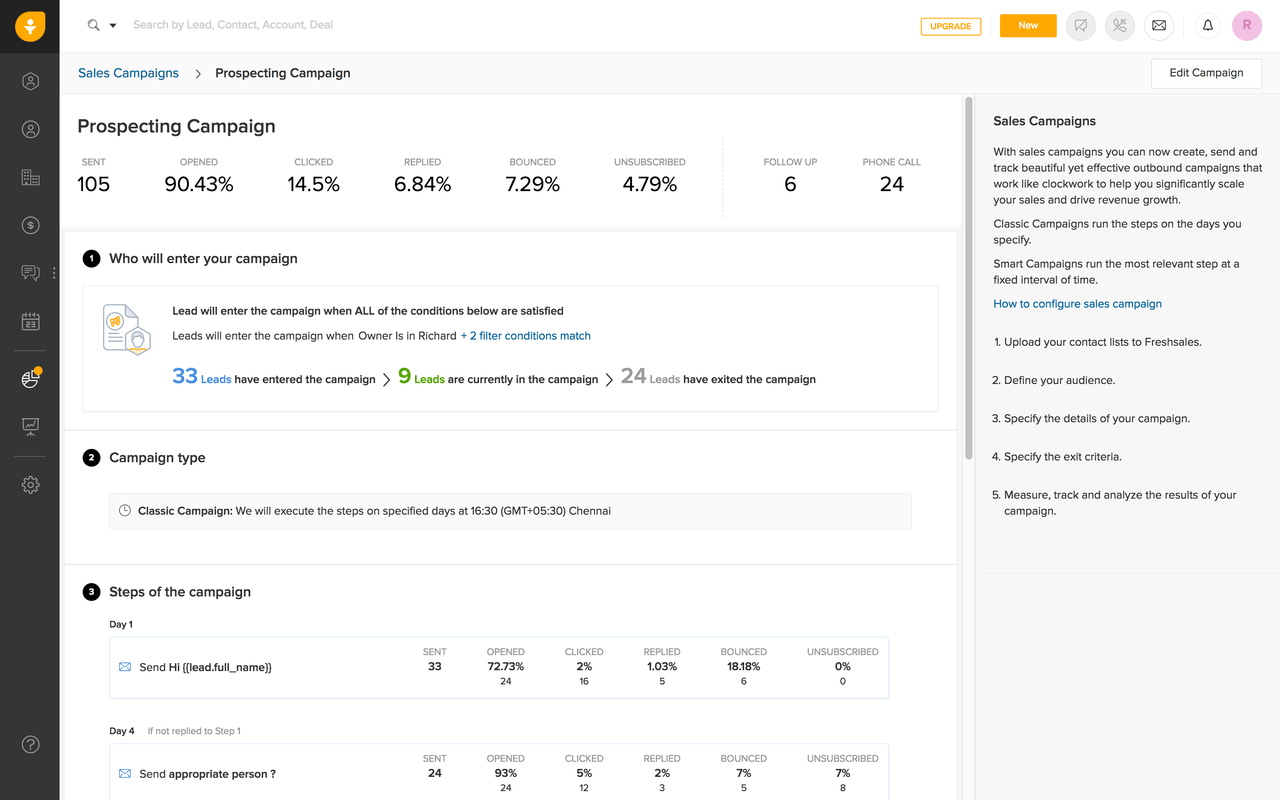
Freshsales has two standout advantages:
- Simple interface and easy deployment. The platform can be implemented without hiring specialized consultants.
- A fully functional free plan. It includes basic contact management, live chat, built-in telephony, and mobile apps for both iOS and Android.
On the downside, Freshsales is focused solely on CRM functionality. ERP capabilities and employee management features are relatively limited. In addition, the free plan does not include advanced analytics or AI-powered features.
CRM systems comparison table
To make the differences between the platforms easier to see, we have compiled the CRM systems into a comparison table.
| System | Minimum monthly plan | Key strength | Best suited for |
| Salesforce | From $25 Free tariff with only 2 users and other limits. |
Unified ecosystem with autonomous AI agents (Agentforce) that automate sales, customer service, and marketing workflows | Medium-sized and enterprise companies with complex sales processes and extensive automation needs |
| Microsoft Dynamics 365 | From $80 | Native integration with the Microsoft ecosystem (Outlook, Teams, Excel, Word, SharePoint) | Large enterprises and corporations already using Microsoft infrastructure |
| HubSpot | From $50 and 28 day trial | All-in-one platform for lead generation, marketing automation, sales, and customer service | Growing mid-sized and large businesses focused on inbound marketing and customer lifecycle management |
| Oracle BPM Suite | From $65 | Enterprise-grade business process management (BPM) with deep workflow automation and analytics | Government organizations and large enterprises managing complex business processes |
| Zoho CRM | From $14 | Extensive built-in functionality, including sales, inventory management, workflow builders, and Zia AI | Small, medium-sized, and large businesses looking for an all-purpose CRM platform |
| Pipedrive | From $14 and 14 day trial | Visual sales pipeline with an intuitive interface built specifically for sales teams | Sales-driven companies that prioritize pipeline management and fast team onboarding |
| SAP | Price upon request | CRM tightly integrated with ERP for real-time inventory, finance, production, and sales management | Large enterprises and multinational corporations requiring end-to-end business management |
| Monday CRM | From $9 and free tariff with 2 users limit. | Highly customizable CRM built on a flexible project management platform with no-code automation | Small and medium-sized businesses, project-based teams, and e-commerce companies |
| Zendesk | From $19 | Customer support ecosystem with integrated ticketing, omnichannel communication, and basic CRM | Businesses where customer service is the primary focus, from SMBs to large enterprises |
| Freshsales | From $19 | Sales-focused CRM with Freddy AI, workflow automation, and a feature-rich free plan | Small and medium-sized sales teams looking for an easy-to-deploy CRM |
Beyond CRM: researching competitors and winning products 🔍
A CRM keeps your orders, customers, and team organized, but it won’t tell you what to sell or which ads are actually pulling in customers for your competitors. For e-commerce and dropshipping businesses, that’s a separate job — and it’s where an ad spy tool like Tyver comes in.
Tyver scans the Meta advertising ecosystem — Facebook, Instagram, Messenger, and Threads — and lets you filter results specifically by e-commerce platform, including Shopify, WooCommerce, and Wix. In a few clicks, you can pull up stores currently running ads in your niche, see which products they’re pushing, and study the exact creatives, angles, and offers driving their sales.
That makes it a solid market-research companion for product-based businesses: instead of guessing which items to add to your catalog, you can see what’s already converting for other stores in real time, check how long a competitor’s ad has been running (a strong signal it’s profitable), and track a specific competitor’s domain or Fan Page over time to keep an eye on their strategy as it evolves. Once you’ve validated a winning product or creative direction with Tyver, your CRM takes over — turning that traffic into organized leads, orders, and repeat customers.
Conclusions
Choosing a CRM for product sales is less about finding the “best” platform and more about matching the system to your business model and internal processes.
For small and medium-sized companies that need a straightforward sales pipeline and quick onboarding, Pipedrive or Freshsales may be the most practical options. Businesses that want to combine sales, marketing, and customer support in one ecosystem should consider HubSpot or Zoho CRM.
Monday CRM is a suitable option for teams that need a flexible and highly customizable system for managing sales, tasks, and projects.
Large companies with complex workflows, multiple departments, and extensive automation requirements are more likely to benefit from Salesforce, SAP, Oracle BPM Suite, or Microsoft Dynamics 365.