Best Antidetect Browsers in 2026: Ranking and Real Selection Criteria ⭐️
In online marketing, ad accounts are one of the main resources media buyers burn through. Ad platforms impose spend and reach limits, which makes it difficult to scale large budgets from a single ad account. To scale, media buyers often have to run dozens or even hundreds of profiles at the same time. ⚡️
This kind of work is impossible without an antidetect browser. Facebook, Google, and TikTok antifraud systems are trained to identify connections between accounts controlled by the same person and ban them in batches, sometimes before the first campaign even launches. To avoid wasting budget on account stock and other consumables, you need to understand exactly how platforms collect device data. 🕵🏻♂️
How Websites Collect User Data
Algorithms identify devices through a digital fingerprint . This is a set of technical parameters that the browser sends to a website every time you visit it. The data collection process can be divided into three levels.
- Network level: This includes the IP address, GEO, and DNS. Simply changing the IP with a proxy is not enough because WebRTC can expose the real local address despite the proxy. If the platform detects a mismatch between the proxy and WebRTC data, the account may immediately come under suspicion.
- Browser settings: Scripts analyze the operating system version, time zone, language, and screen resolution. One particularly accurate identifier is the list of installed fonts. Every user has a slightly different set of fonts on their computer, and this combination helps algorithms distinguish one device from millions of others.
- Hardware fingerprint: This is where the platform looks at the hardware itself. Using Canvas and WebGL, websites can make the browser render hidden elements or 3D objects. The resulting output depends on the graphics card model, processor, and driver versions. As a result, the platform gets a hardware fingerprint that makes it easy to distinguish one computer from another, even when both are running the same versions of Windows and Chrome.
The main job of an antidetect browser is to create a logical combination of all these parameters. If the user data contains inconsistencies, for example Windows fonts on a macOS profile, this can trigger the antifraud system.
In this article, we reviewed the tools that can handle browser core level spoofing in 2026 and make it possible to work without constantly running into mass bans. 🤝
What Is an Antidetect Browser?
🧬 An antidetect browser is software that lets you create and manage multiple browser profiles based on Chromium or Firefox. Each one acts like a unique digital device, almost as if it were a separate computer.
These profiles are isolated from one another. Each has its own IP address, browsing history, cookies, and other technical characteristics.
In a regular browser, all tabs are tied to the same digital footprint, including the hardware, IP address, and operating system. An antidetect browser separates these environments.
When working with Facebook, Google, or TikTok, the platform sees several independent users instead of one person. This makes it possible to manage dozens of accounts from a single computer without the antifraud system linking them together through technical parameters.
❗️ A separate environment is created for every account, with its own spoofed digital fingerprint. This includes everything from CPU and GPU data to the time zone and installed fonts.
High quality solutions modify these parameters at the browser core level, so antifraud systems treat the profiles more like real physical devices.
How Does an Antidetect Browser Work?
An antidetect browser works by intercepting requests from websites and replacing the data returned in response.
When you open a website, it tries to collect your digital profile. The software supplies modified data so that the antifraud system sees each browser profile as a unique device.
Digital Fingerprint Spoofing
A fingerprint is a combination of parameters that websites can use to recognize a user even without a login.
These parameters include the operating system version, screen resolution, installed fonts, language, and time zone.
You can check your own fingerprint on a dedicated service such as https://browserleaks.com
An antidetect browser lets you edit this data separately for every profile. The result is a logical set of parameters that does not stand out from regular users.
Hardware Parameters: Device and Graphics Data
🔍 Websites check not only system settings, but also how the browser interacts with the computer hardware.
- Canvas. This is a 2D rendering technology. When requested, the browser draws a hidden image and the system reads the result at the pixel level. Different graphics drivers produce different results.
- WebGL. This technology works with 3D graphics and can expose information about the graphics card model.
If these parameters are identical across all accounts, the platform can quickly link them together. An antidetect browser spoofs these fingerprints at the browser core level, giving each profile its own hardware identity.
Network and IP Management
Proxies are used to isolate accounts, but changing the IP address alone is not enough. WebRTC can allow websites to see the real IP address 🔗 despite the proxy.
An antidetect browser masks these leaks and supplies data that matches the GEO 🌍 of the connection. It also controls DNS requests so that the ISP region does not conflict with the profile settings.
Keeping Parameters Consistent
The foundation of a good antidetect setup is the absence of technical contradictions in the data.
Platform security systems can easily identify suspicious profiles by looking for inconsistencies 😑. For example, if the User-Agent reports macOS while WebGL returns data for an NVIDIA graphics card, the account may get banned before you even start running traffic.
Good antidetect software makes sure that all parameters, from the CPU model to the font list, are consistent with one another and realistically imitate a physical device.
How to Choose a Reliable Antidetect Browser in 2026
When evaluating software in 2026, you should look beyond the interface and focus on the depth of browser core modification and the quality of the network infrastructure. The tool you choose directly affects how long your accounts last before the first checkpoint. ☝️
Real Fingerprints vs Random Generation
Many browsers rely on randomly generated parameters and simply add noise to the system data. This can create hardware combinations that do not exist in the real world. Advertising platform antifraud systems can quickly detect these inconsistencies.
Reliable software should use fingerprints collected from real devices. In this case, the graphics card, processor, font set, and other parameters logically match one another, which makes the profile less suspicious to antifraud systems.
Browser Core Update Frequency
🚀 Facebook and Google check the browser version every time a user connects. If an antidetect browser runs on a Chromium core that has not been updated for several months, this can become an additional trigger for the algorithms.
Regular users usually move to newer Chrome versions within days of release. Good antidetect software updates its browser core close to the release schedule of official Google patches.
Infrastructure Stability and Uptime
Your workflow should not stop because of technical issues on the developer’s side. If the antidetect browser servers go down, the entire team may be unable to continue farming accounts or launching campaigns.
High quality solutions maintain around 99.9% uptime and use distributed server infrastructure. This helps profiles launch without delays and keeps sessions and cookies available even under high network load.
Best Antidetect Browsers: Ranking
|
Browser |
Price (100 Profiles) | Free / Trial | Synchronizer | Data Storage |
Main Focus |
|
Gologin |
~$49/month | 7-day trial | Yes | Cloud / Cloud launch |
Mobility and browser access without installation |
| Dolphin Anty | $89/month | 5 profiles (Free) | Yes | Cloud | Convenient tags and statuses for Facebook |
| Undetectable | $49/month | 5 profiles (Free) | Yes | Local / Cloud / Own server | Unlimited local profiles, AI automation, and API |
|
BitBrowser |
$15/month | 10 profiles (Free forever) | Yes | Cloud / Local |
Affordable multi-accounting, RPA, API, and teamwork |
|
Incogniton |
~$59/month | 10 profiles (Free) | Yes | Cloud / Local |
Secure multi-accounting and teamwork |
|
Linken Sphere |
~$90/month | 5 profiles | No | Local / Cloud |
Pro tools: Smart modes and custom spoofing |
| MostLogin | $15/month | 5 profiles | Yes | Cloud / Local | Cloud phones and automation |
| AdsPower | ~$36/month | 2 profiles (Free) | Yes (RPA) | Cloud | Large-scale no-code automation |
|
MoreLogin |
$39/month |
2 profiles |
Yes |
Cloud / Local |
Cloud Browser (no PC hardware requirements) and Cloud Phone |
Dolphin Anty
Dolphin anty is an antidetect browser that almost everyone in the industry has heard of. It offers real fingerprints, one click profile creation, flexible settings, strong antifraud performance, and a low ban rate.
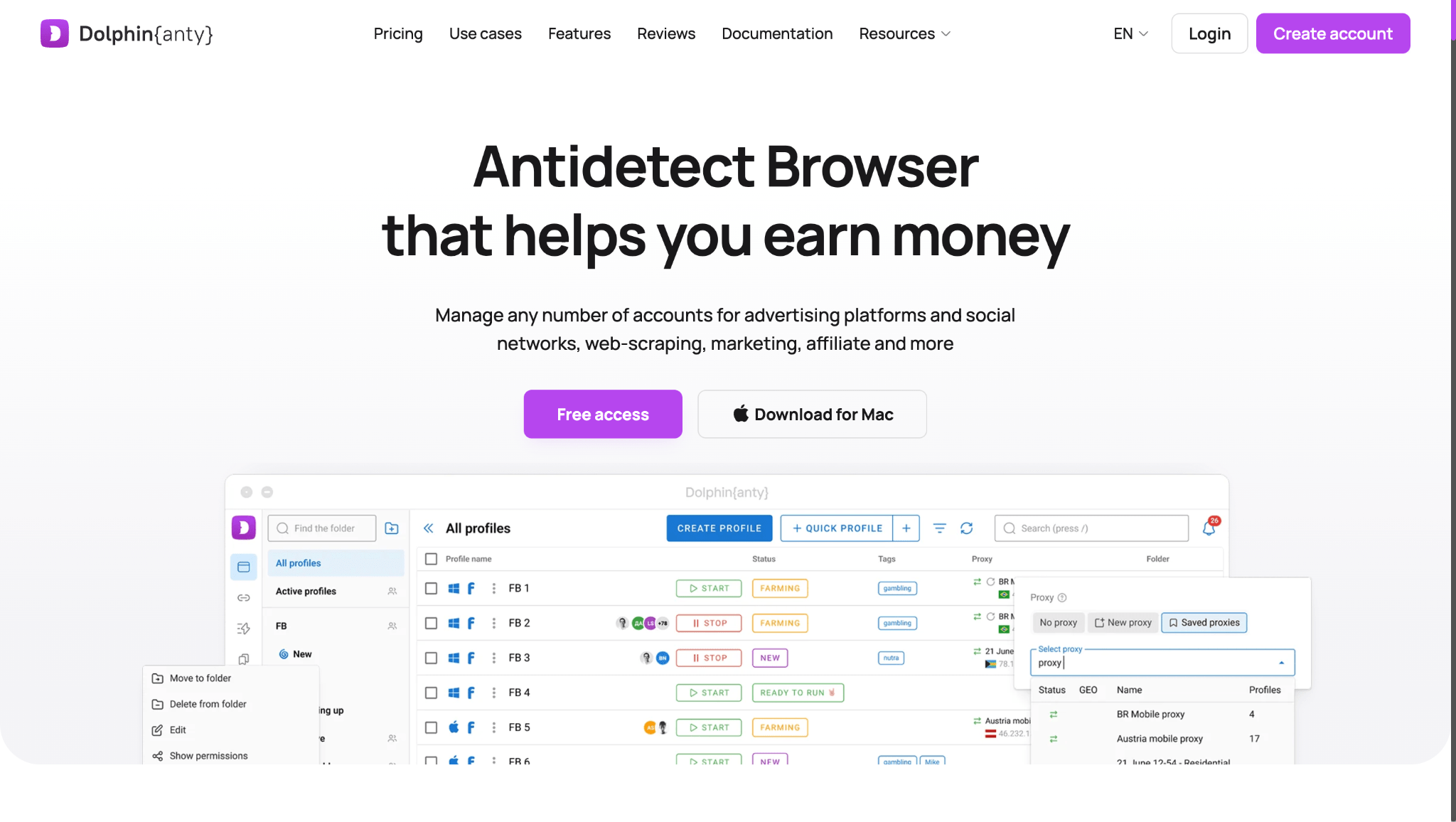
Dolphin{anty} has been on the market for five years. The software was built by people with a background in affiliate marketing, so its tools were designed around the practical needs of media buyers from the start.
The developers understood that routine work becomes one of the biggest problems when scaling. That is why they added profile synchronization and workflow automation. This allows teams to manage an entire network of accounts at once instead of opening every ad account manually.
Native integration with Dolphin{cloud}. The antidetect browser connects directly to the automated campaign launch tool. Profiles from Dolphin{anty} can be used to launch advertising campaigns without manually transferring data.
Cookie Robot. A built in tool for automatically warming up profiles through realistic browser behavior, including scrolling feeds, visiting websites, and simulating activity.
Reliable profile isolation. Every profile gets a unique browser fingerprint, including Canvas, WebGL, AudioContext, User-Agent, and screen resolution. Facebook sees different users without obvious overlaps between profiles.
Teamwork. A shared workspace for the entire team with roles, access permissions, visibility into who is using each profile, and real time synchronization.
Flexible proxy management. Support for IPv4, IPv6, SOCKS5, and SSH. Each proxy is assigned to a specific profile and kept separate from the others.
Incogniton
Incogniton is a Dutch antidetect browser that has been on the market for years. It is often chosen as a more affordable alternative to premium solutions when you need to manage a large number of accounts without paying extra for the brand.
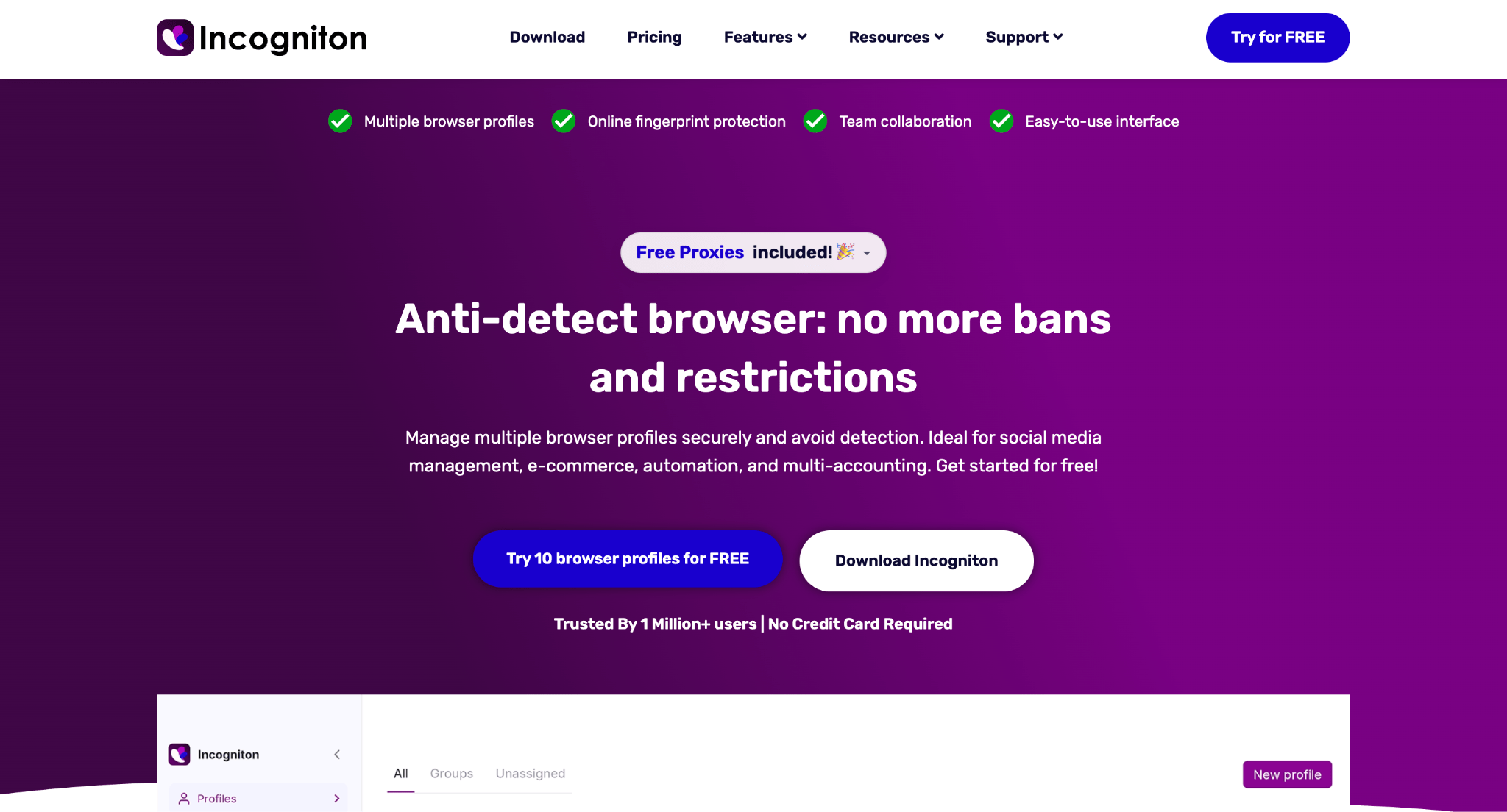
Free plan with 10 profiles. The browser offers a package with 10 profiles and no time limit. The functionality is not heavily restricted. You can configure fingerprints and test proxy performance on real accounts before paying for a subscription.
Selenium and Puppeteer support. External scripts can be connected to the antidetect browser through its API for account farming or registration. This covers account warming and registration tasks and removes the need to do everything manually.
Cloud synchronization. All profile data is stored in the cloud. This makes it possible to transfer accounts within a team or access them from different devices without losing authorization.
Undetectable browser
Undetectable browser is a professional antidetect browser with real high-trust fingerprints, AI-powered browser automation, API, a cookie bot, 99.9% uptime, bulk profile creation, batch import/export, a synchronizer, and much more. Starting at $49/month, you get an unlimited number of local profiles. It is ideal for multi-accounting, crypto wallets, and web scraping, and it runs quietly and invisibly.
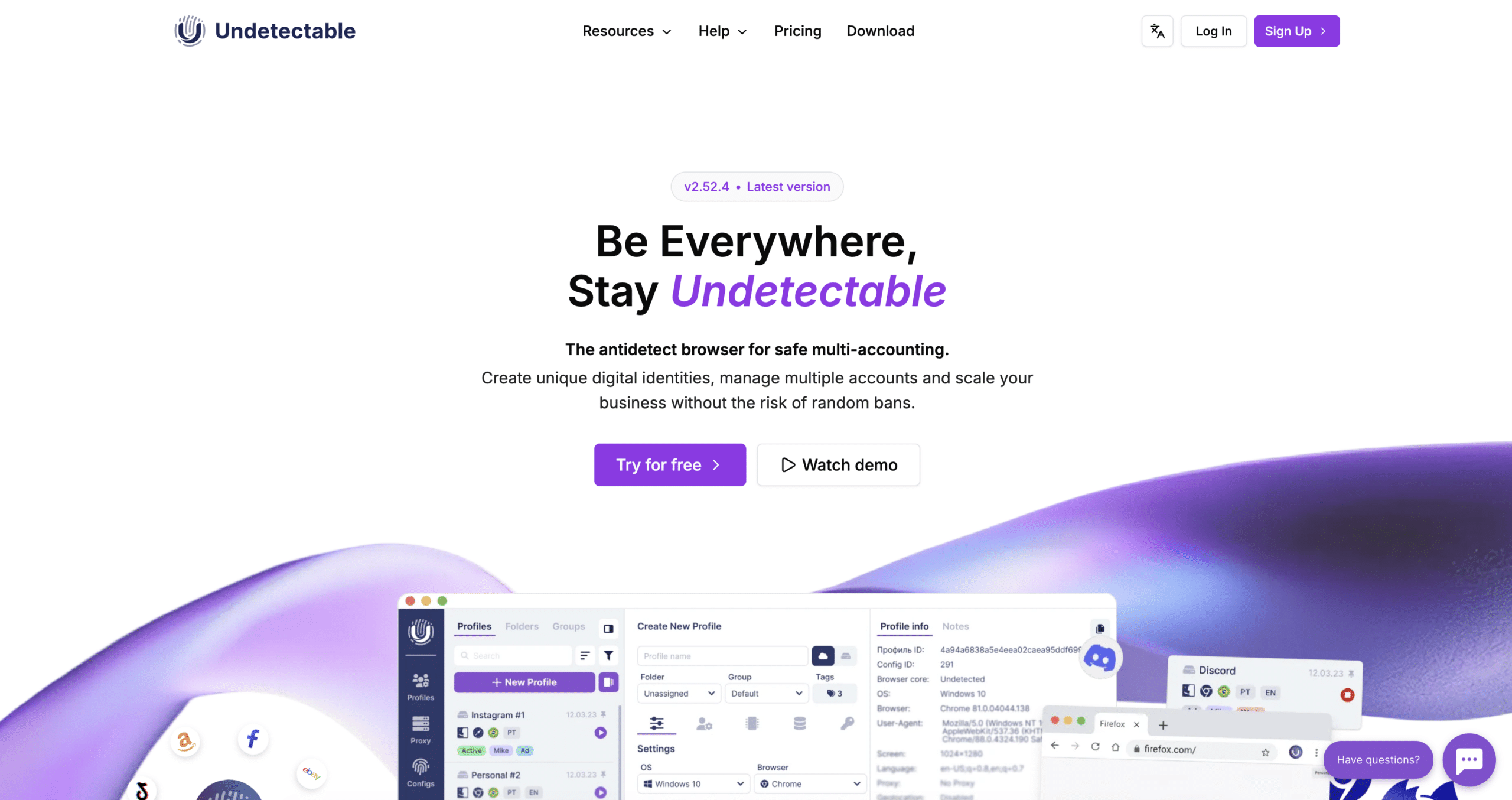
- Flexible profile storage. Undetectable browser gives you flexibility in managing profiles: they can be stored locally on your device, in the cloud, or on your own server.
- Automation via API. The browser supports API automation with popular libraries such as Puppeteer, Playwright, and Selenium, and integrates via the Chrome DevTools Protocol.
- Promo code: TYVERSPY20 gives you 20% off any one-month license.
BitBrowser
BitBrowser is an antidetect browser for managing large numbers of accounts, teamwork, and automating repetitive actions. It suits media buyers, agencies, e-commerce teams, crypto specialists, and anyone who needs to work with dozens or hundreds of isolated profiles.
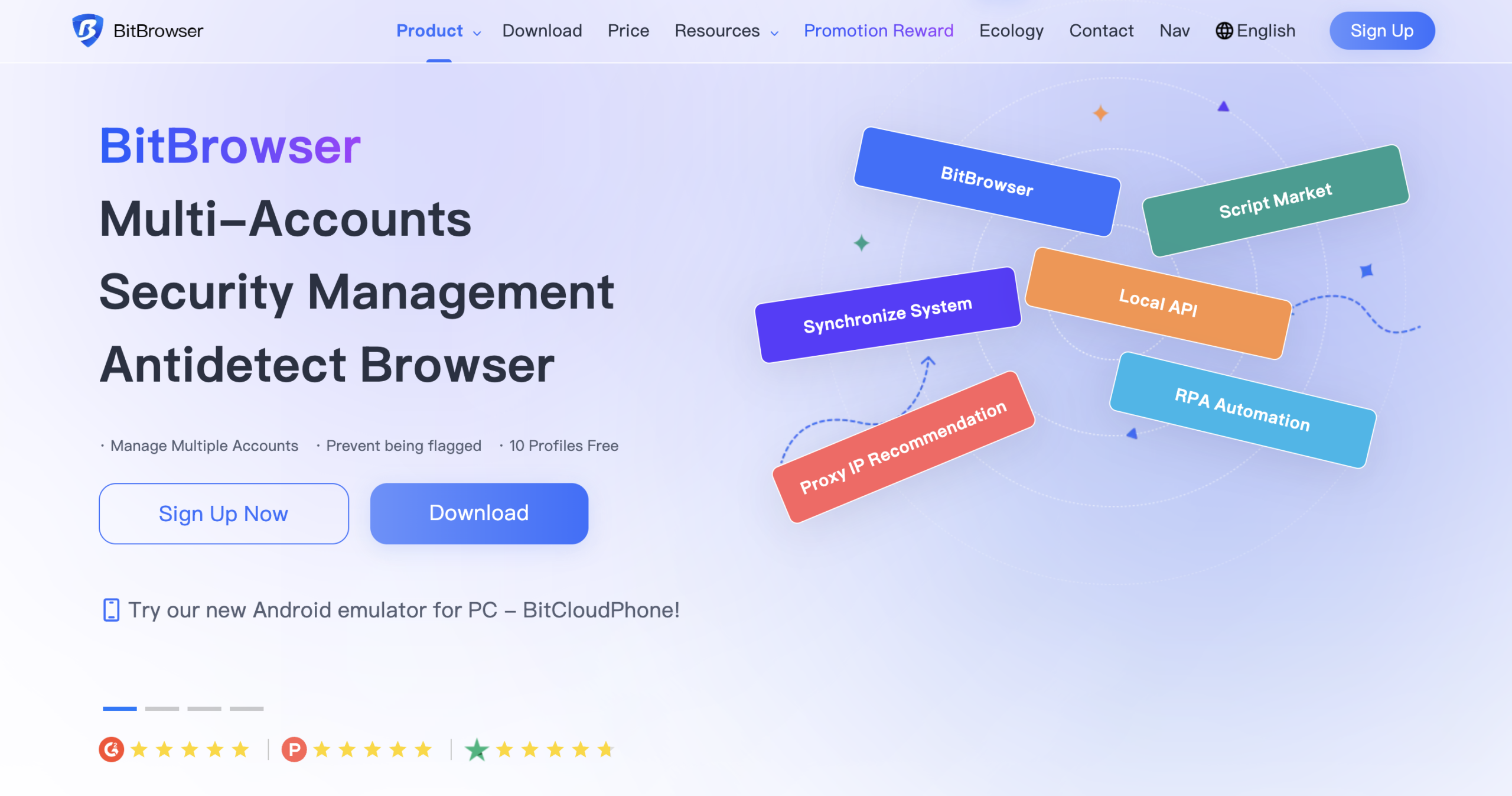
- Affordable multi-accounting and a free start. BitBrowser offers 10 permanently free profiles so you can test the interface, connect proxies, and check your accounts. The paid plan for 100 profiles starts at $15. Data can be stored in the cloud or kept locally.
- Window synchronizer and RPA. The built-in synchronizer replicates mouse movements, clicks, text input, and navigation across multiple profiles at once. The RPA tool automates profile warm-up, website visits, and form filling. This is useful for mass registration, farming, and working with marketplaces and social networks.
- Teamwork. The workspace owner assigns access and controls what data each member can see. Profiles can be transferred without sharing cookies or passwords. For example, an account can move from a farmer to a media buyer and then to a team lead.
- API and ecosystem. The Local API lets you launch and control profiles from external systems and scripts, including Selenium and Puppeteer. Besides the browser, the platform includes Cloud Phone, Browser Synchronizer, and a built-in marketplace, so some tasks can be handled without separate services.
Octo Browser
Octo Browser is an antidetect browser focused on clean spoofing and high performance. The software relies on deep Chromium core modification, which helps reduce the risk of technical inconsistencies in the fingerprint.
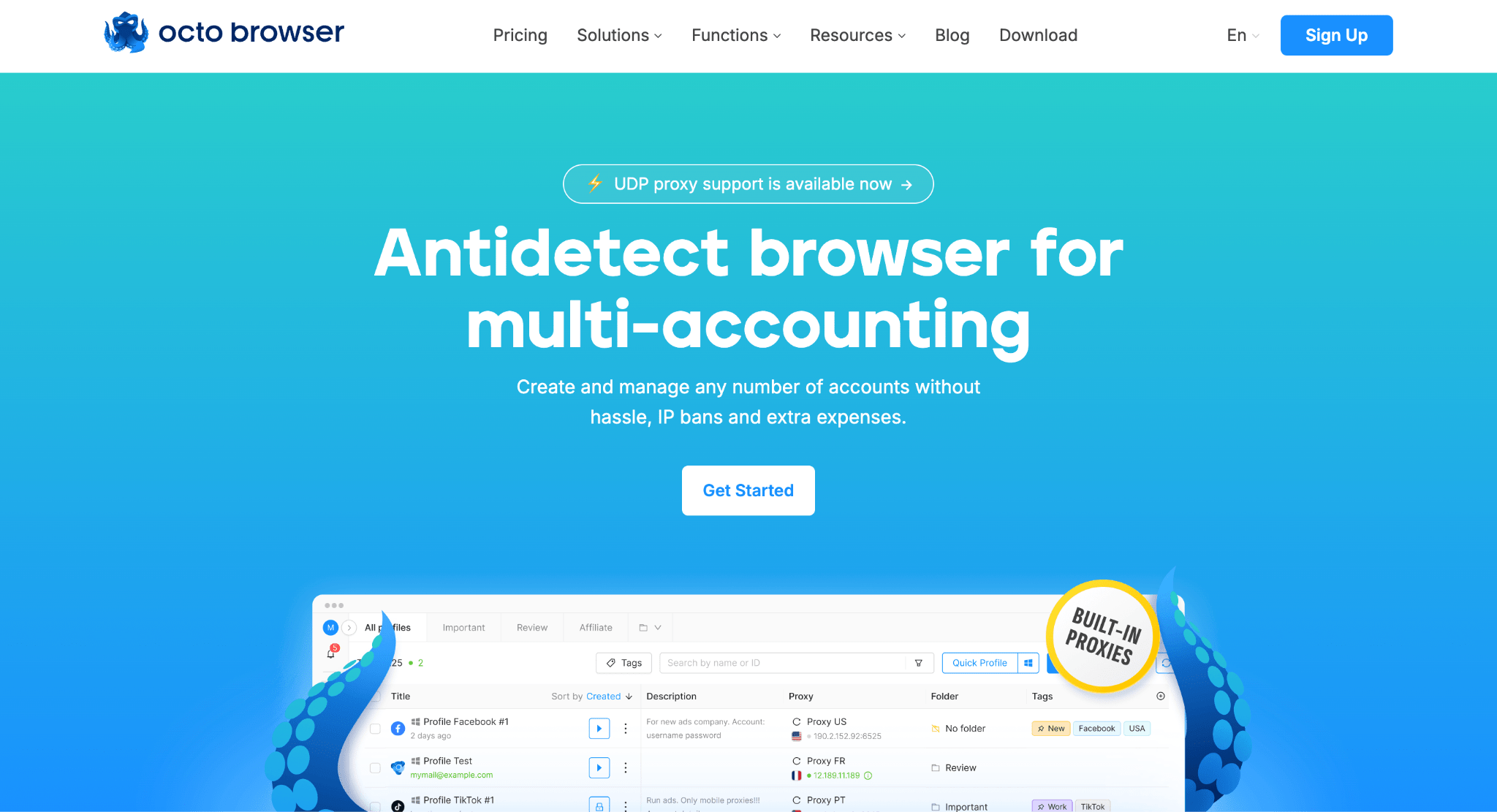
Deep browser core modification. Unlike simple browser overlays, Octo changes parameters directly at the Chromium code level.
Updates are released almost in sync with official Google Chrome releases, so profiles do not stand out from regular users and do not create unnecessary antifraud triggers.
Hybrid fingerprints. The browser uses a hybrid spoofing system that combines parameters from your real hardware with data from Octo’s database.
This prevents impossible configurations, for example combinations where the graphics card and processor do not logically match.
API for large scale workflows. Octo supports Headless mode and provides API documentation for integration with Puppeteer, Selenium, and Playwright.
This makes it possible to automate the launch and management of hundreds of profiles through Python or JavaScript scripts, which is especially important for Google Ads and crypto projects.
MoreLogin
MoreLogin is a modern antidetect browser widely recognized in the industry for its advanced anti-fraud protection, flexible pricing model, and seamless management of thousands of accounts across platforms like Facebook, Instagram, Google, TikTok, Binance, and more.
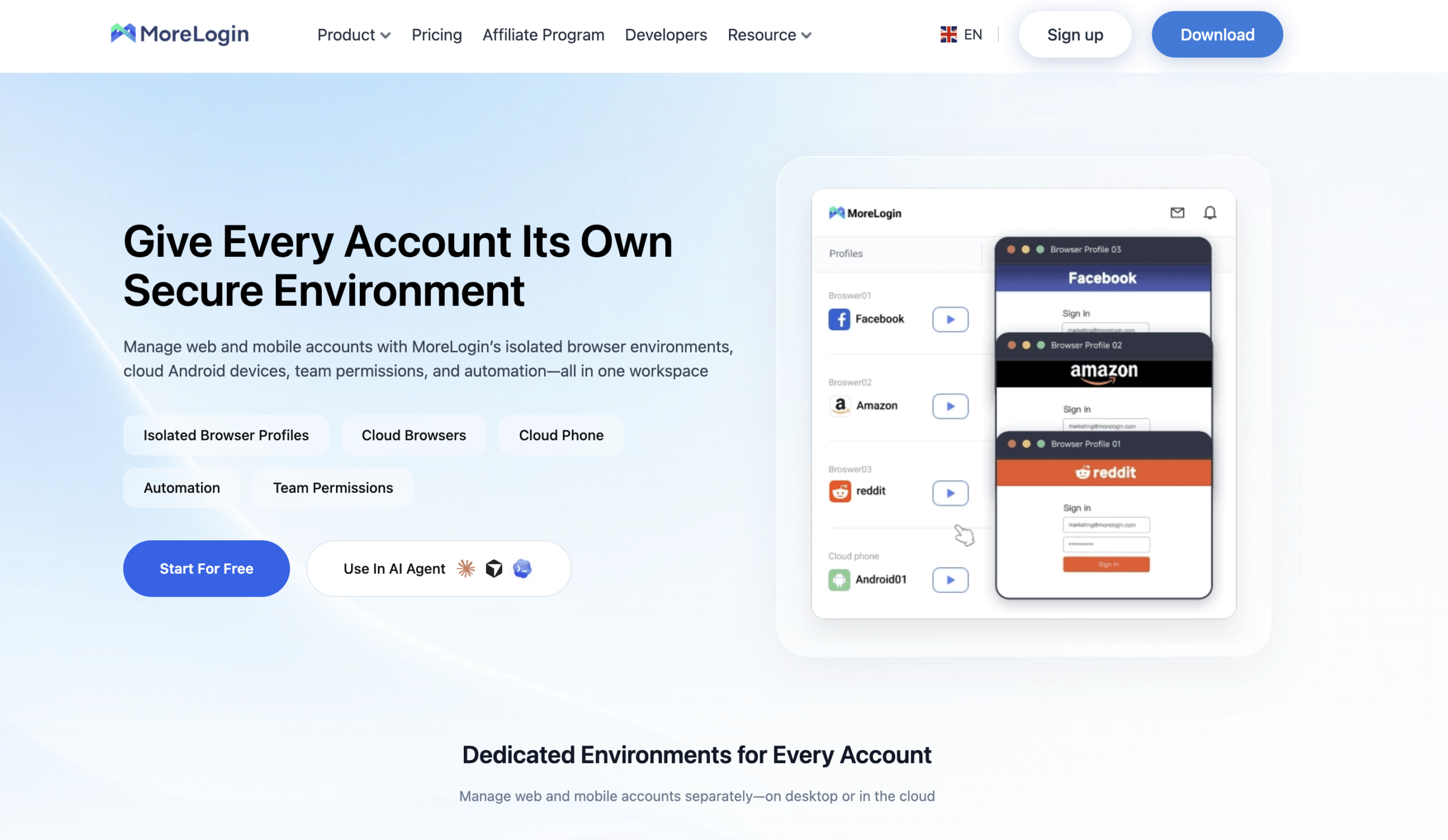
Built with a deep understanding of media buying, affiliate marketing, and e-commerce workflows, the platform provides practical tools designed for high-performance scaling.
- Reliable Profile Isolation. Every profile receives a unique browser fingerprint generated from real user configurations (Canvas, WebGL, AudioContext, User-Agent, etc.), keeping accounts fully protected from platform tracking.
- Cloud Browser. An innovative feature that runs browser profiles directly in the cloud. It removes hardware constraints, allowing users to launch and manage dozens or hundreds of windows simultaneously without straining local device resources.
- Cloud Phone Infrastructure. Built-in virtual Android smartphones featuring automated geo-matching based on IP addresses, complete device independence, and perfect conditions for mobile marketing.
- Automation & Convenience. Features a built-in Cookie Robot for automated profile warming, robust API integration for custom workflows, and SmartPaste/HumanInput tools to accurately simulate real user typing.
AdsPower
AdsPower is designed for users who work with huge numbers of accounts and automate every step. In 2026, it is one of the strongest solutions for large scale campaign operations and account farming.
Synchronizer. This tool allows you to control multiple browser windows at the same time. You perform an action in one profile, such as moving the mouse, entering text, or clicking, and the synchronizer repeats it in all other open windows in real time. This is especially useful for airdrops and bulk account registration.
No-code automation. AdsPower includes a built in workflow builder that lets you create action sequences without programming skills.
The bot can log into accounts, scroll feeds, leave likes, and simulate normal user activity automatically. AdsPower also has a marketplace with ready made RPA workflows for different platforms.
Two browser cores. AdsPower lets users choose between Chromium and Firefox based cores. This makes it possible to adapt more flexibly to the requirements of different platforms and use the advantages of different browser engines to improve account trust.
GoLogin
GoLogin focuses on mobility and one click profile launches. It is suitable for users who need to get profiles running quickly without manually configuring every individual parameter.
Orbita browser core. GoLogin runs on its own Orbita browser, which closely replicates Chrome in both interface and functionality.
It is regularly updated and includes the necessary modifications for masking Canvas, WebGL, and AudioContext, providing a high level of anonymity.
Cloud launch and mobility. Profiles can be launched directly in a regular browser through the cloud or through the official Android app.
This makes it possible to manage advertising campaigns and proxies from any device without installing desktop software.
Built in proxies for testing. GoLogin provides access to its own proxies from different countries directly inside the interface.
This is useful for quickly testing hypotheses or building account farms for tasks that do not require expensive residential IPs.
Undetectable
Undetectable is an antidetect browser with a unique approach to data storage. It is mainly aimed at teams that need to manage thousands of accounts without overpaying for the developer’s cloud storage.
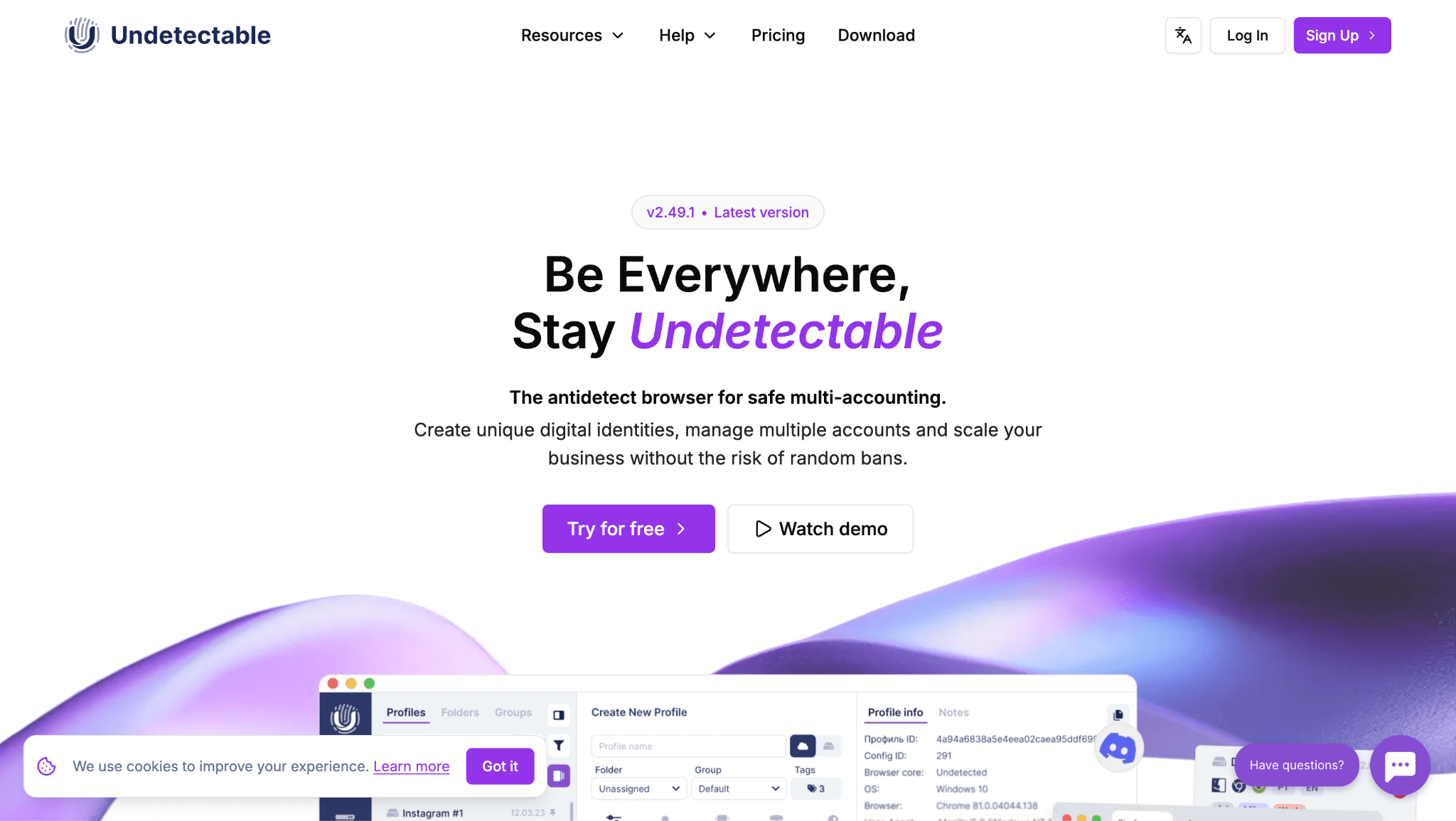
Unlimited local profiles. You pay for the software functionality rather than the number of accounts.
Profiles are stored locally on your disk, which allows you to create any number of browser profiles without paying for each one. Cloud synchronization is used only when profiles need to be transferred between team members.
Marketplace of current configurations. The browser provides access to a database of fresh fingerprints collected from real devices.
You can choose and download a trusted configuration for a specific GEO, operating system, and screen resolution so that the profile looks as natural as possible to antifraud systems.
Cookie Robot and data import. The built in cookie farming tool automatically builds browsing history before account registration.
The software supports bulk cookie imports in JSON and Netscape formats, as well as fast profile transfers through archives.
Linken Sphere
Linken Sphere is software for professionals who want maximum control over every individual parameter. In 2026, Sphere remains one of the most advanced solutions on the market in terms of customization.
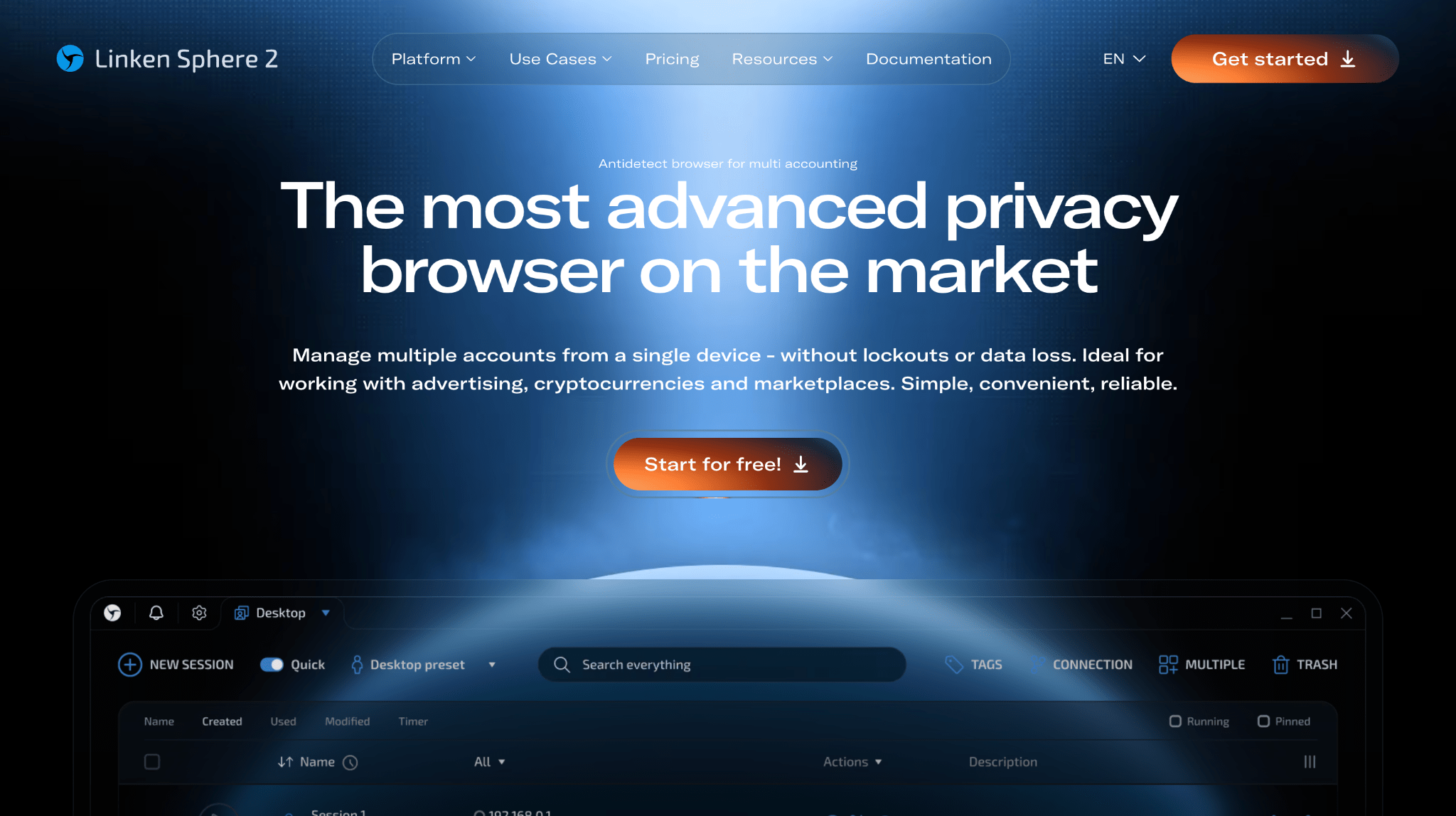
Portable format and anonymity. The antidetect browser can run without being installed into the operating system, either from external storage or a cloud folder.
This prevents the software from leaving unnecessary traces in the OS and makes it possible to move the entire working environment between different computers without losing account sessions.
Hybrid mode. The system automatically analyzes your proxy and selects the most suitable fingerprint from its database.
You do not have to configure Canvas or fonts manually. The software handles this automatically and avoids logical inconsistencies in the data that can lead to detection.
Multilogin
Multilogin is a premium solution for large agencies and enterprise clients. It focuses on stability and working with large advertising budgets.
Isolated Mimic and Stealth cores. The software offers two specially modified browser cores based on Chrome and Firefox. They are developed by the in-house team to handle advanced antifraud systems and provide a high level of trust with advertising platforms.
Teamwork and permission management. The advanced team management system lets you assign profile access, track media buyer activity, and transfer accounts without resetting fingerprints or losing sessions when switching devices.
Cloud mobile profiles. In 2026, Multilogin is focusing more heavily on running accounts in real mobile environments through the cloud. This helps when working with apps that read hardware parameters directly.
From the security system’s perspective, such a session looks like activity from a physical Android device, reducing the risk of detection through emulators or basic User-Agent spoofing.
How to Choose an Antidetect Browser for Your Needs
When choosing software, you should start with your workflow and the number of accounts you plan to manage. This helps you avoid paying for features you do not need and choose a browser that can provide stable operation without unnecessary bans. There are several key parameters to evaluate.
Fingerprint Quality
✅ For Facebook, Google, and major crypto exchanges, real fingerprints matter. If an antidetect browser simply generates random Canvas or WebGL parameters, accounts may be sent for verification almost immediately after registration.
It is better to choose software that uses a database of Smart fingerprints collected from real devices. The Chromium version also matters. It should not lag more than one or two versions behind the official Chrome release, otherwise the outdated version itself may become an additional antifraud trigger.
Free Plans and Trials
Before paying for a subscription, test how the software performs on fingerprint checkers such as Pixelscan and CreepJS and how it works with your connection type.
- Dolphin{anty} is suitable for solo work because it still offers a free plan with 10 profiles.
- GoLogin and Multilogin offer short term trials for testing their functionality. Free versions are not suitable for large traffic volumes. They often receive browser core updates more slowly and may not include API access.
Specialization by Use Case
The browser functionality should match your workflow.
- Affiliate marketing with Facebook or TikTok: Bulk management of statuses and tags matters here, as does the ability to transfer profiles to other media buyers without losing authorization.
- Crypto and airdrops: A synchronizer is essential for these tasks. It lets you perform an action in one window while the system duplicates it across the others.
- Account farming: A Cookie Robot for automatically building up cookies before registration can significantly improve profile trust.
Price and Data Storage
A package for 100 profiles usually costs around $40 to $100 per month.
- Undetectable is cost effective when you need to manage thousands of accounts. Profiles are stored locally on your disk, so you do not have to pay extra for cloud storage.
- Multilogin and Octo Browser are often chosen for higher budget workflows. In these cases, you are paying for infrastructure stability and a lower risk of losing profile data when switching devices.
Technical Support
In affiliate marketing, support response time becomes especially important during Facebook ban waves or major Google updates. If problems appear after a browser core update or with fingerprint spoofing, support needs to provide a fix as quickly as possible.
Before paying for a tool, it is worth checking the browser’s community chat. The number of negative reports and how quickly administrators respond can give you a good idea of the actual quality of the service.
Should You Use Free Antidetect Browsers?
Using free solutions always involves a tradeoff between saving money and keeping accounts safe. In 2026, the risks of using cracked software or heavily limited free plans often outweigh the money saved on a subscription.
Limitations of Free Plans
Most leading antidetect browsers offer free packages with 2 to 10 profiles. That is enough to test the software or manage a couple of personal accounts, but it is not enough for serious traffic volumes.
The main problem is not only the number of profiles. Free plans may also lack a synchronizer, team access, or timely browser core updates. As a result, you may spend more time on manual work than you save on the subscription.
Risks of Cracked and Questionable Software
Downloading cracked versions of paid antidetect browsers is one of the fastest ways to lose your data. Such builds often contain stealers that collect logins, passwords, cookies, and payment card details.
Even if the antifraud system does not ban your accounts, they may simply be stolen and resold. Cracked versions also rarely receive updates, so you may end up working on an outdated browser core that itself becomes a trigger for platform checks.
No Technical Support
With free or custom built browsers, you are left alone when technical problems appear. If Facebook releases an update that starts detecting the spoofing methods used by your browser, you can lose an entire network of accounts without having access to a quick fix.
Paid developers care about their reputation and usually release updates within hours after new detection methods are discovered.
FAQ ⁉️
🔸 Will I Get Banned for Using an Antidetect Browser?
The browser itself is not the reason an account gets banned. It is simply a tool for masking and isolating device data. Platforms ban accounts because of dirty proxies, low quality accounts, or overly aggressive actions inside the ad account.
If you use good account stock and do not skip warming, an antidetect browser can help you manage dozens of profiles without the platform linking them together through technical parameters.
🔸 What Is the Difference Between an Antidetect Browser and a VPN?
A VPN changes only your IP address, while the technical parameters of your computer remain the same. This includes the graphics fingerprint, fonts, cookies, and other browser data.
Meta or Google antifraud systems can easily see that the same device is connecting from different IP addresses. An antidetect browser creates a separate device environment and spoofs the data websites use to identify the user.
🔸 Can I Use One Proxy for All Profiles?
No. If you assign the same proxy to several profiles, the antifraud system can immediately link them into the same network. As soon as one account gets banned, the platform may follow the connection and block the others as well.
🔸 Which Proxies Are Best for Antidetect Browsers in 2026?
Mobile and residential proxies are the preferred options. Advertising platforms are less likely to block mobile IPs because regular users share those same addresses.
Blocking one such address can affect hundreds of legitimate users, which is why these IPs generally have a higher trust level.
🔸 Are There Completely Free Antidetect Browsers With No Limits?
Using cracked software is risky because modified builds may contain stealers that target logins, cookies, passwords, and crypto wallet data. High quality antidetect software is expensive to develop and maintain, so free access is usually limited to packages with 2 to 10 profiles.
That is enough for testing, but once you start working at scale, a paid subscription becomes a normal operating expense.