How to find winning creatives and sales funnels for eCommerce products: using the ad spy tool Tyver.io 👨💻
Advertising — and more specifically, effective creatives — is what drives sales. 🚀 Finding proven, high-performing creatives is relatively easy, especially when using powerful tools like Tyver. The key is understanding how the platform works and knowing how to use it effectively.
What Is Tyver.io?
Tyver is a spy tool designed to search for advertisements running on Facebook, Instagram, and other Meta platforms. The service collects and uploads more than 3 million creatives every day. 📦

With such a vast database, current ads and emerging advertising trends are easy to spot. However, we’re not interested in all 100+ million ads available in the database — the goal is to find the creatives that are relevant to your niche.
How to Find Profitable Creatives: A Tyver Overview
Tyver allows you to discover ads by niche, product name, as well as through filters and dedicated search buttons. To quickly find relevant ads, you don’t need to master every search method — just the core ones.
Keyword Search
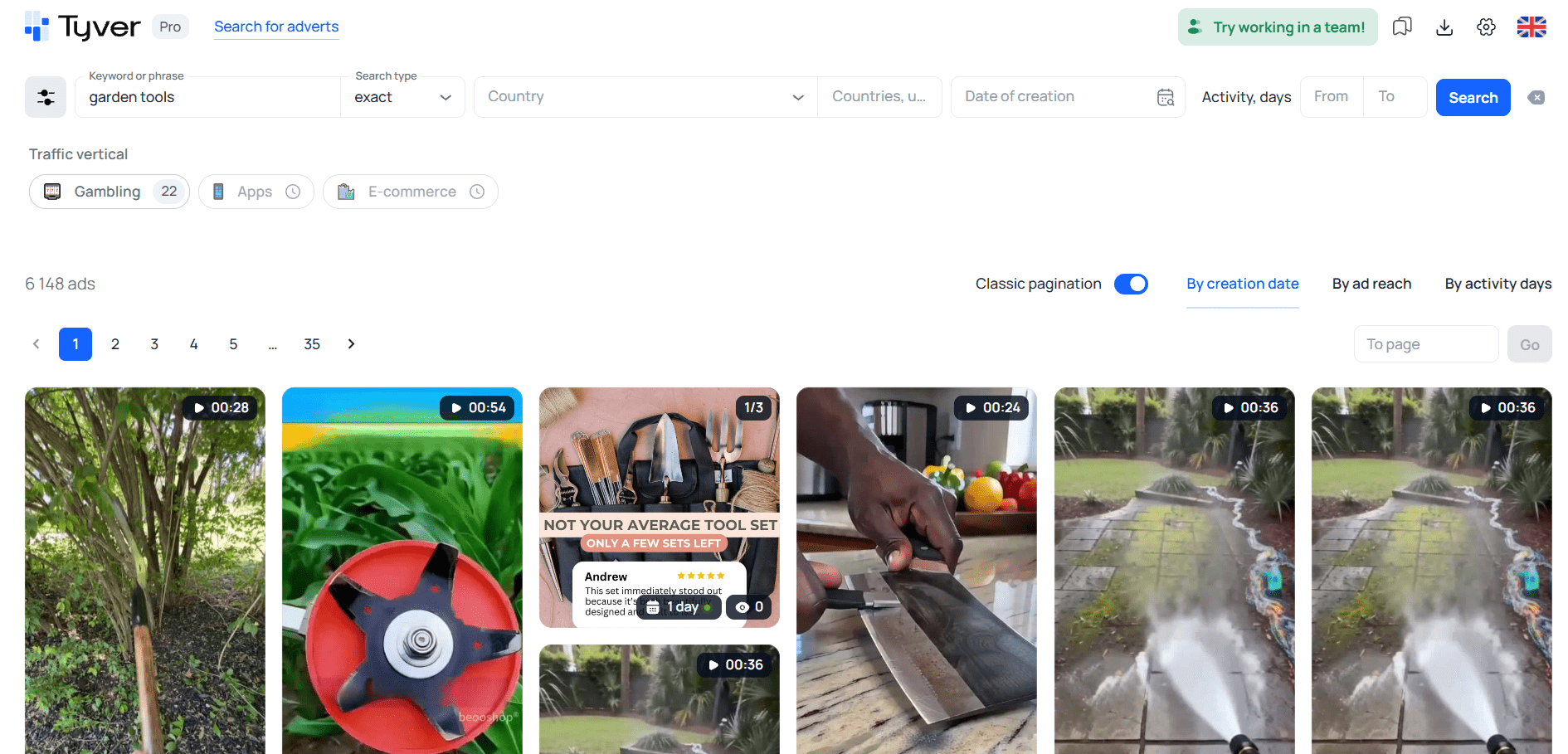
🔑 The easiest way to find e-commerce creatives is by using a product name, product category, or brand name as a keyword. The most obvious approach is to enter the product name directly into the search bar.

If searching by product name doesn’t return results, try niche-related keywords instead. You may need to test several keywords, as the first one doesn’t always produce useful results. To generate a larger list of keywords, you can use AI chat tools. 🤖
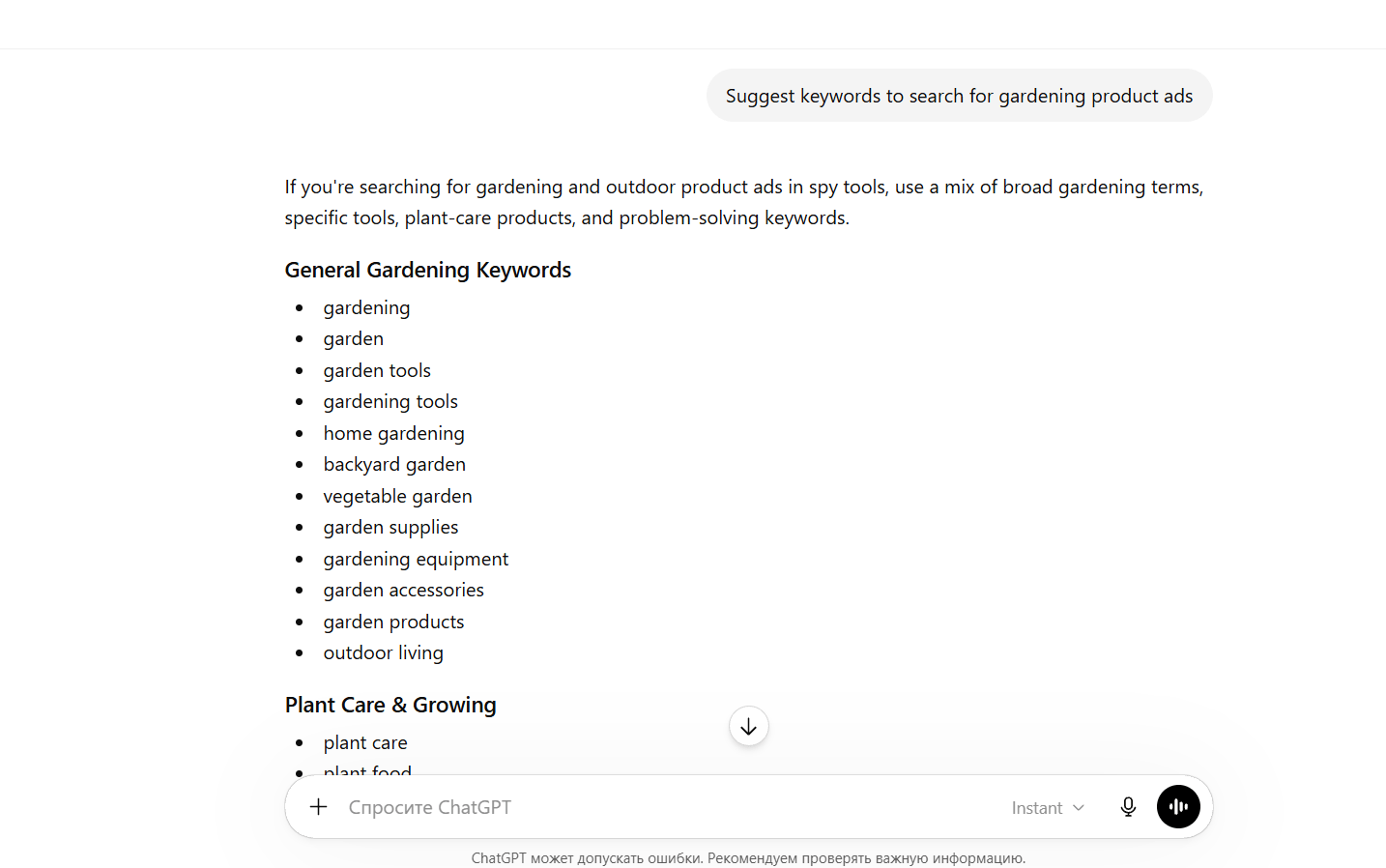
In this example, one of the first keywords already produced relevant results.
Separating E-commerce Ads from Online Stores: Using Tyver Filters
Creative searches can be refined not only through URL fragments but also through various other criteria. The right approach depends on exactly what you’re looking for.
🔗 URL Fragment Filter. Let’s say you’re searching for products within a specific category, such as cosmetics. In this case, you’ll want to exclude ads from bloggers, stylists, and similar sources. This can be done using URL fragment filtering.
Enter the keyword skin moisturizer and add popular macros:
- utm
- sub
- pix
- pix_id
- ad_id
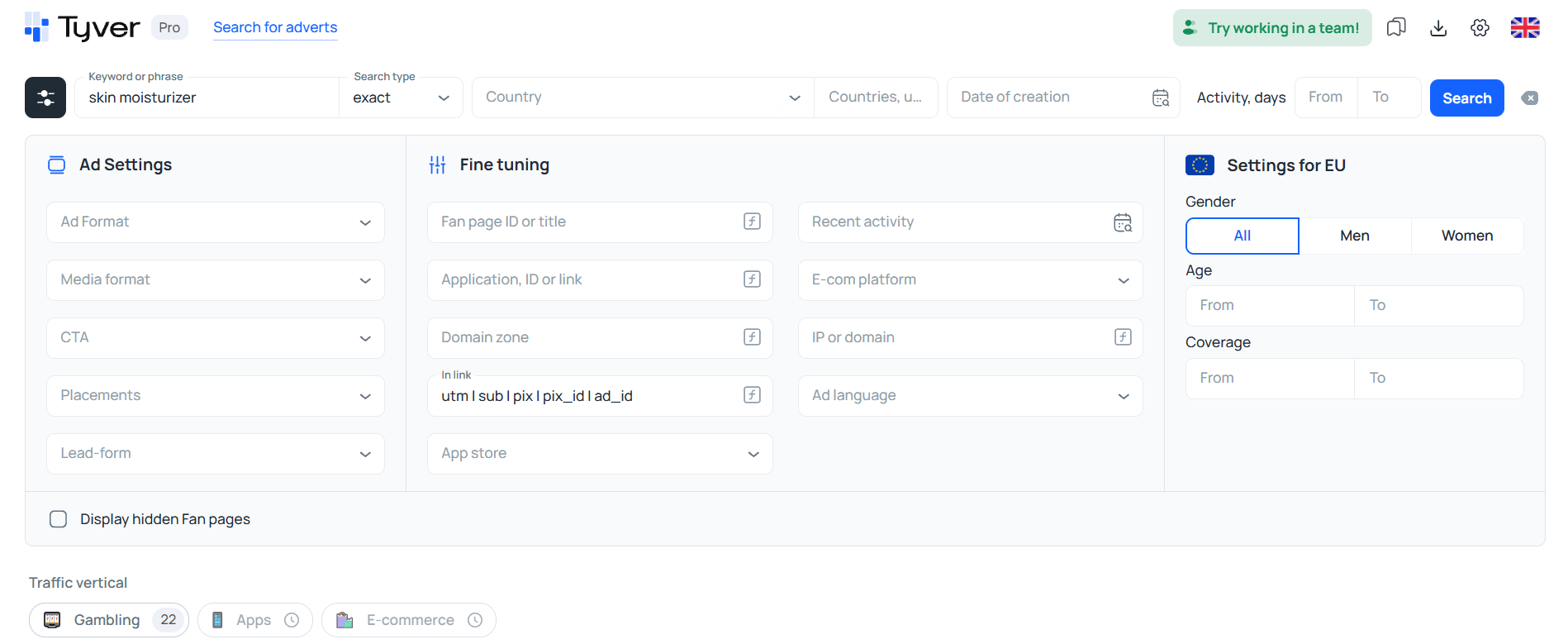
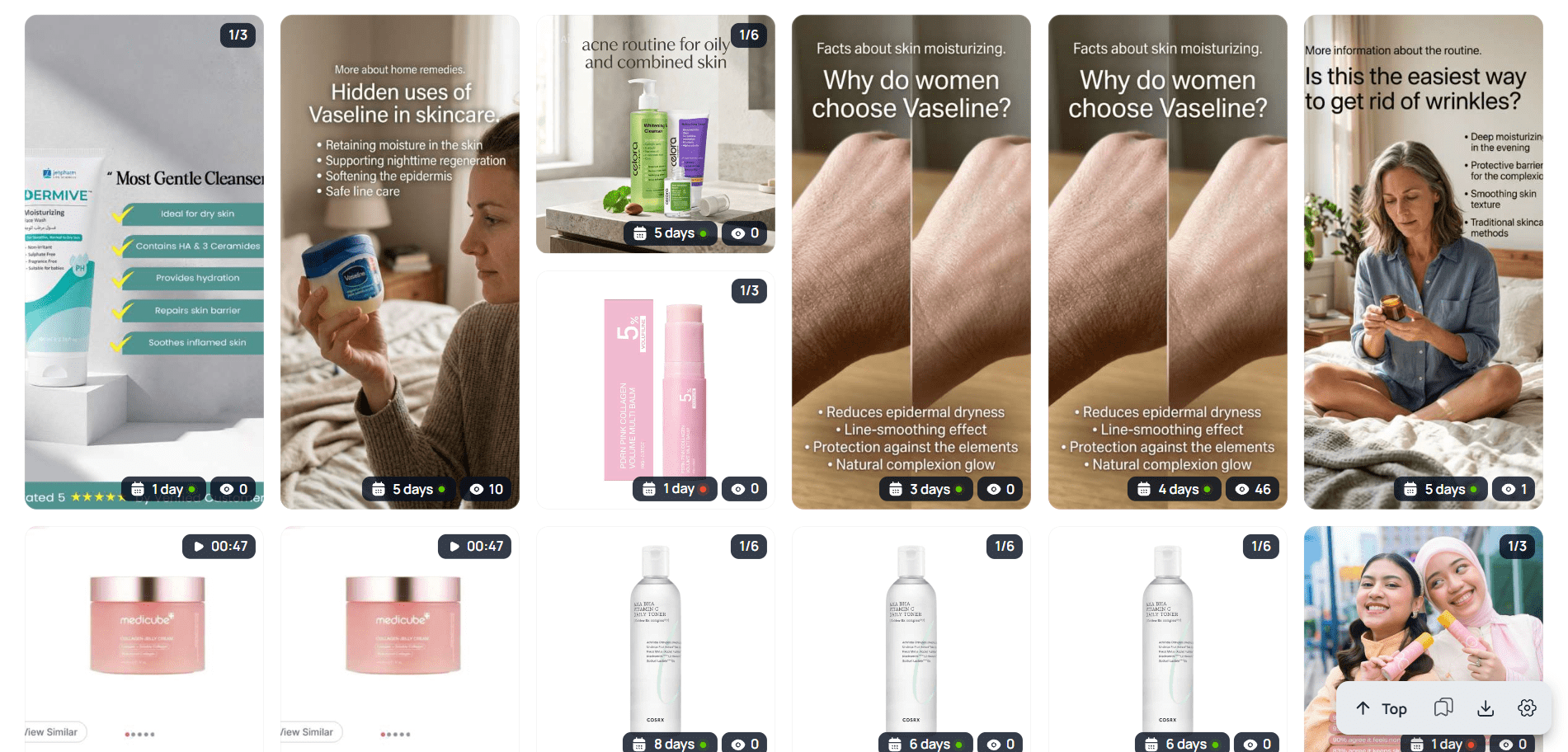
As a result, the number of ads becomes much smaller, but only relevant listings remain. ✅
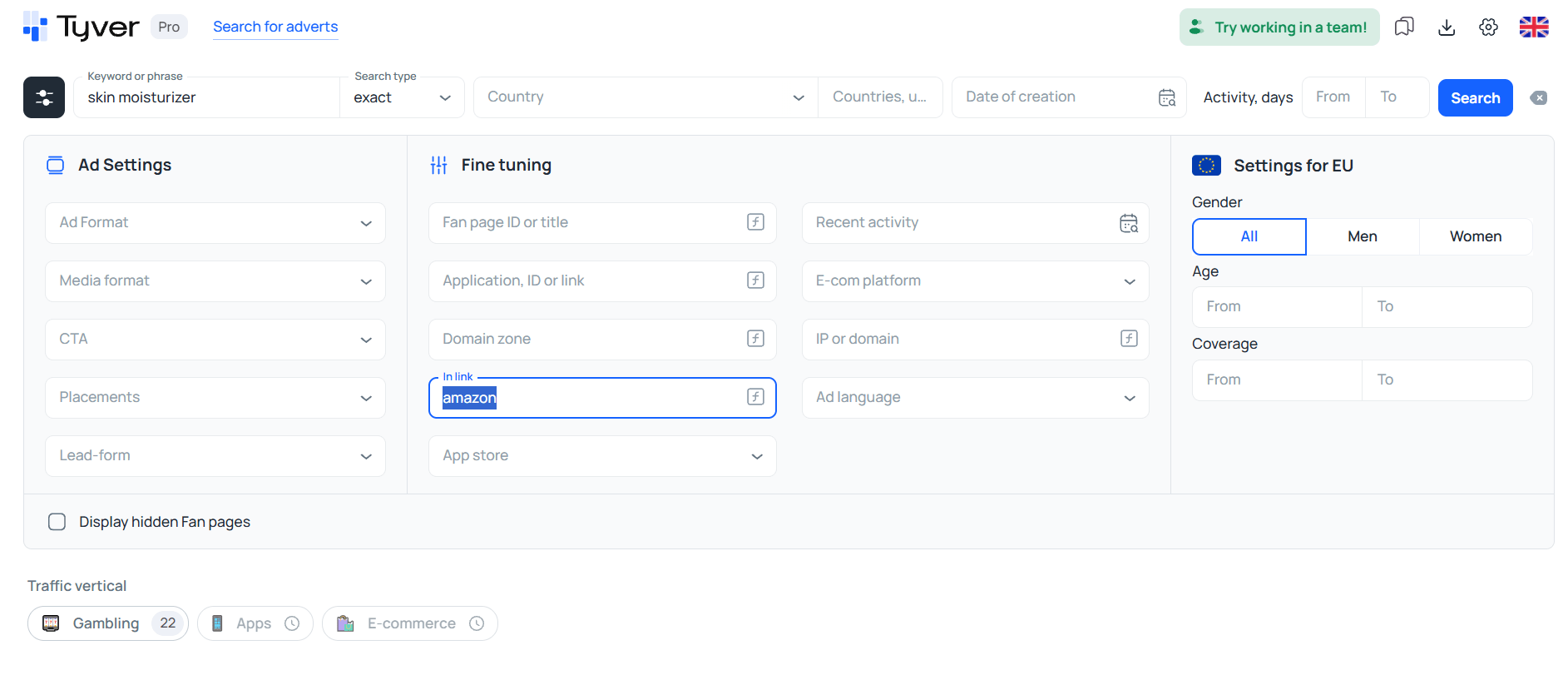
Now let’s assume you want to find marketplace ads in order to study their approaches. For example, let’s search for skin moisturizer ads on Amazon.

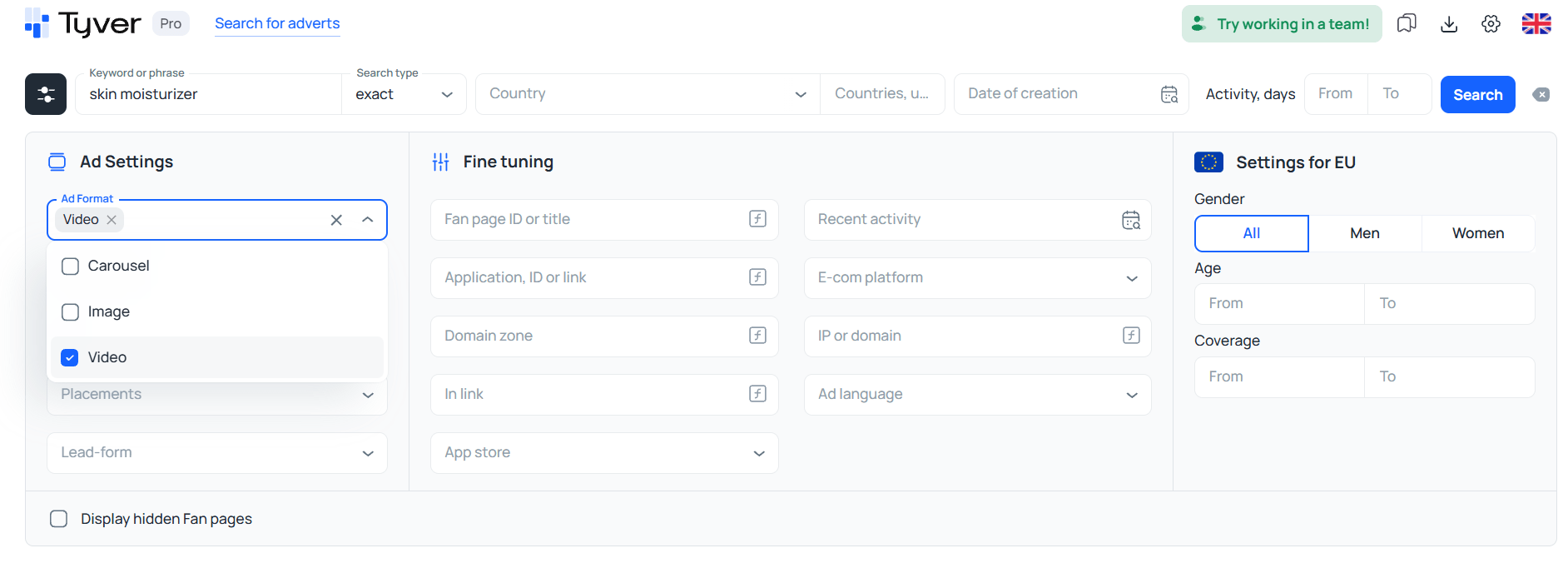
🎬 Video Creative Search. To display only video ads in the results, use the ad format filter.
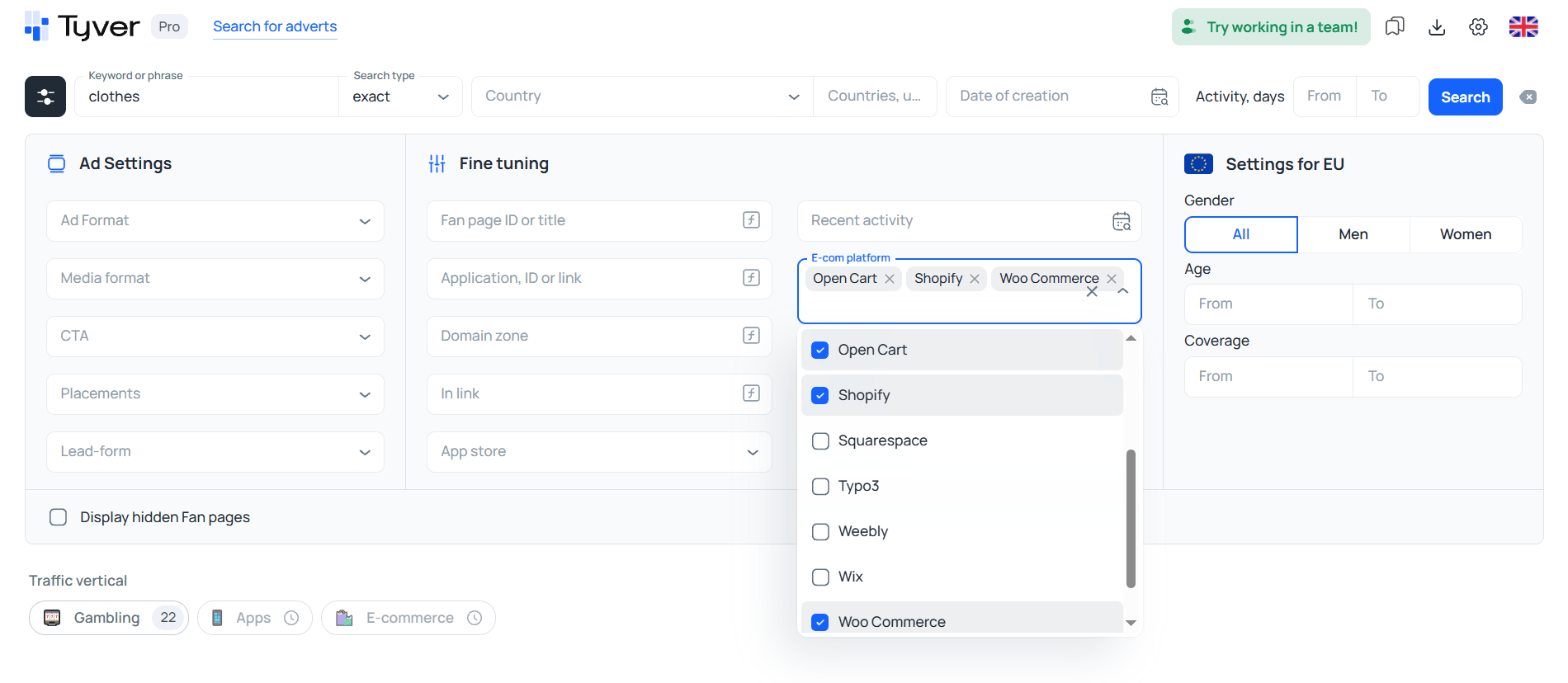
🛍️ Searching by E-commerce Platforms. Tyver can also be used as an e-commerce spy tool thanks to its built-in e-commerce platform filters.
Filtering by platform is an effective way to identify ads from online stores.
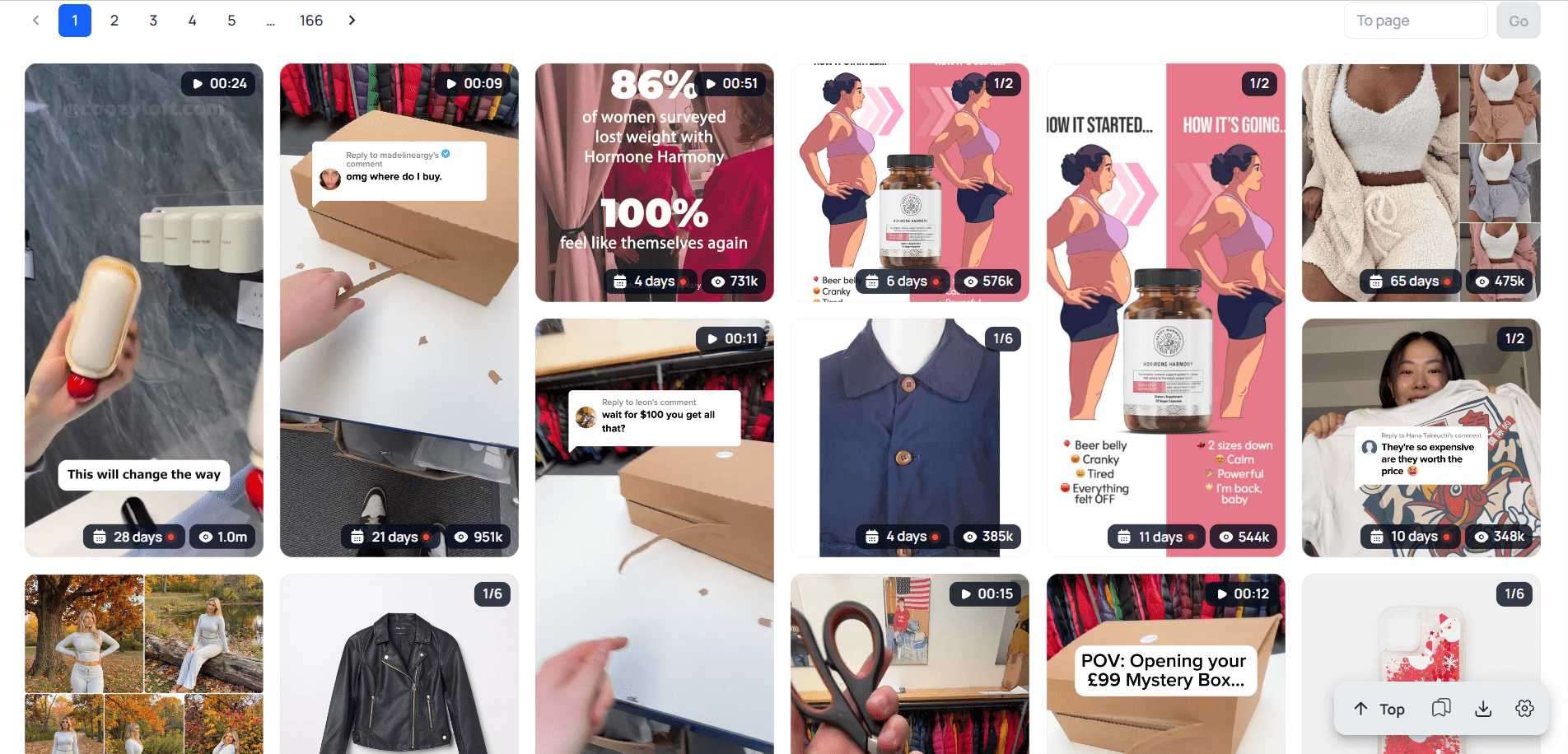
As a result, you’ll get more than 1,000 ads, most of which come from online clothing stores.
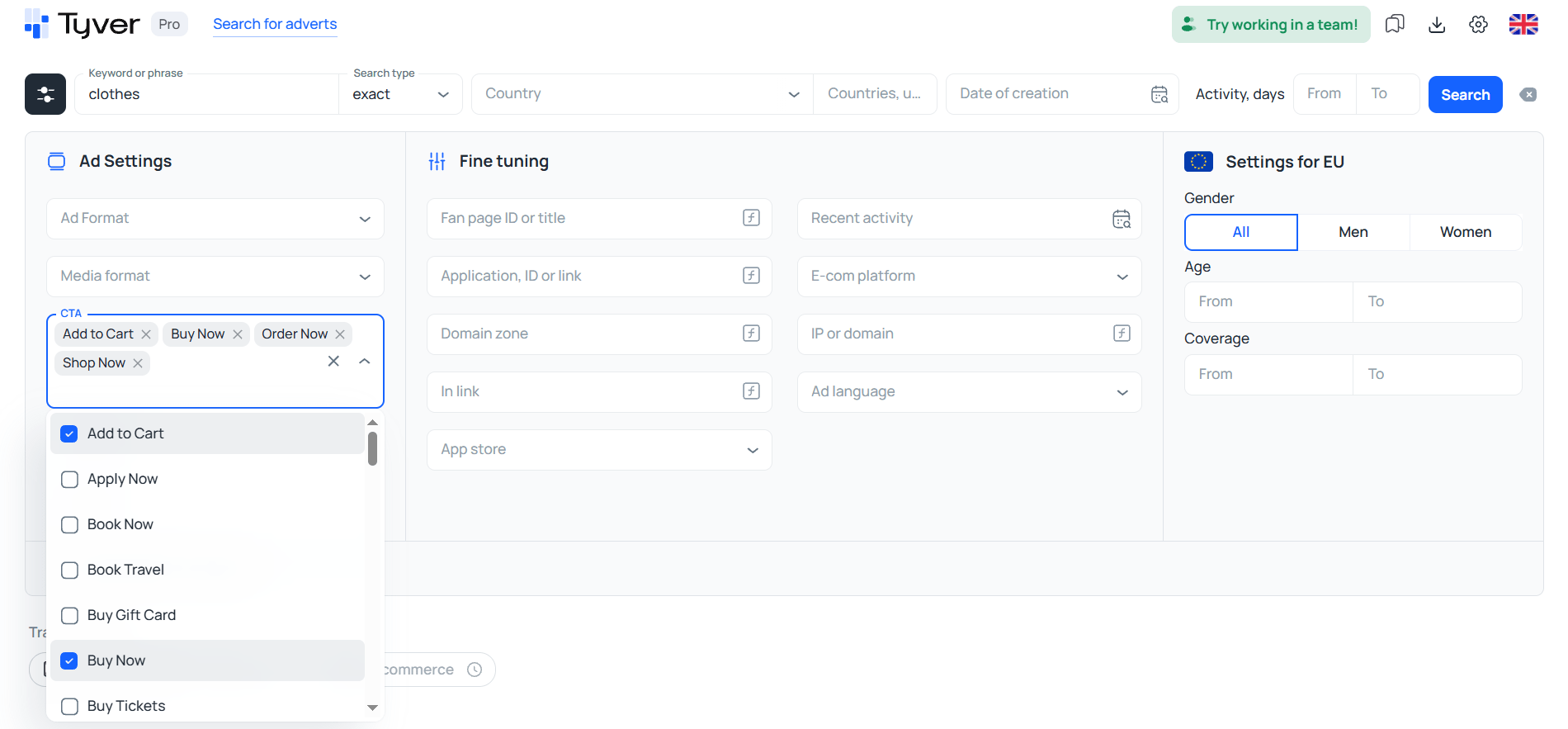
🎯 Finding Product Ads. To discover product offers within a specific niche, you can use another filter — the call-to-action filter. Advertisers running sales campaigns typically use purchase-oriented CTA buttons such as:
- Add to Cart
- Buy Now
- Order Now
- Shop Now
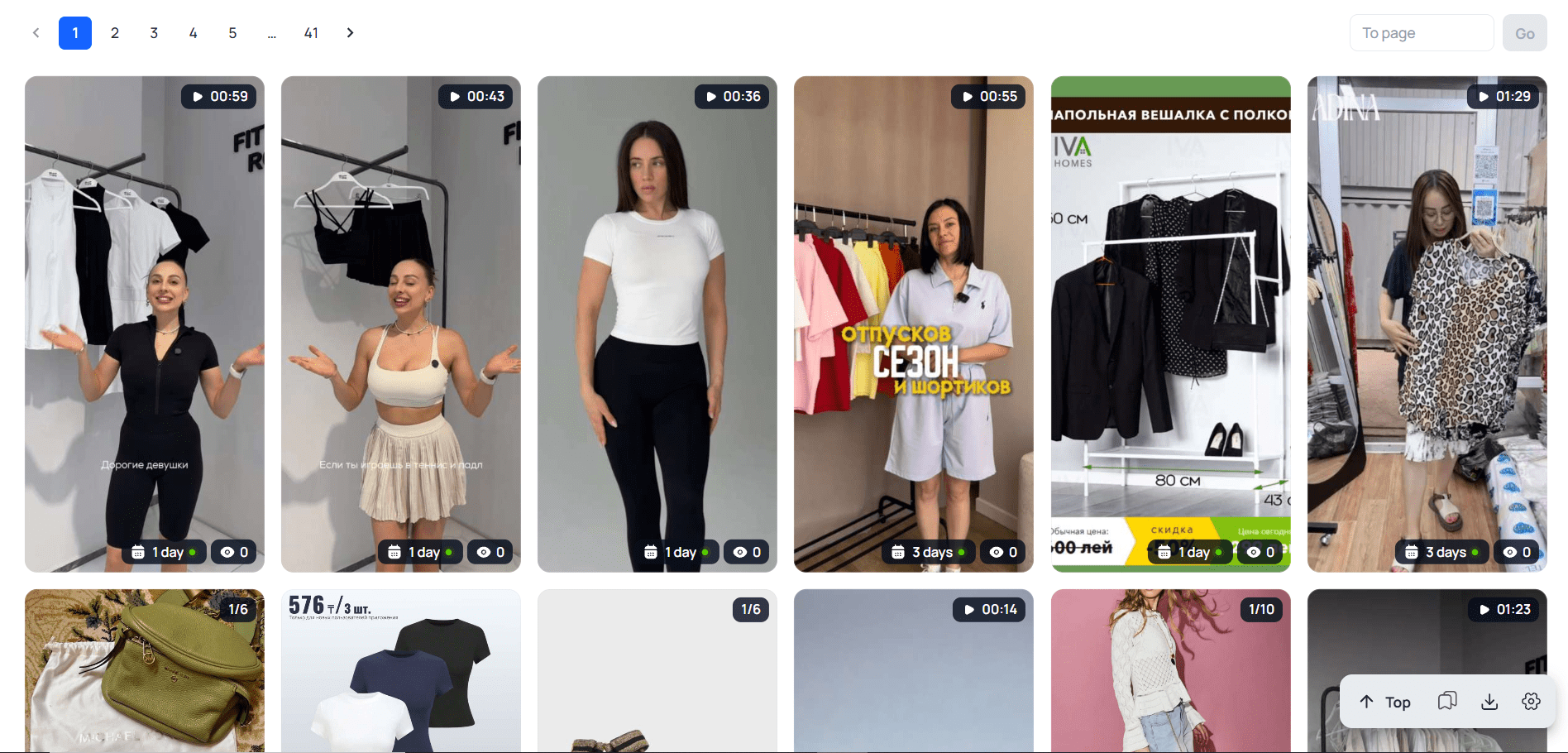
As a result, a search for “clothing” displays ads almost exclusively from online stores.
Search via Dedicated Buttons: Coming Soon for E-commerce
The process is simple: click a button corresponding to a niche and select “Find.” The system then displays ads from that vertical, such as gambling, e-commerce, or mobile apps. At the moment, this search method is available only for gambling offers. 🎰
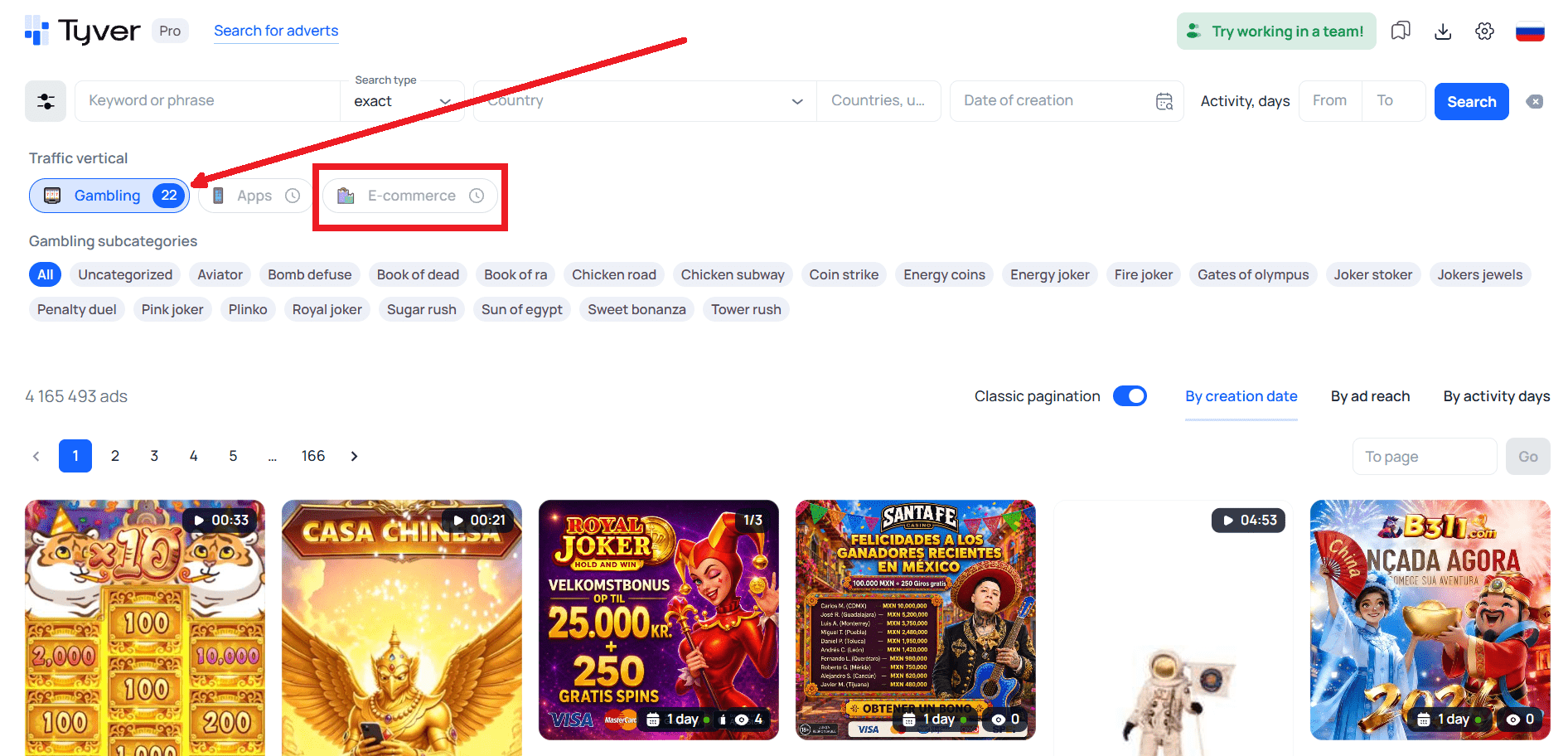
However, support for e-commerce searches is coming soon, making it possible to find product advertising even faster.
Competitor Ad Analysis on Facebook: Searching by Domains and Fan Pages
Finding winning e-commerce ad angles is not just about browsing a spy tool’s database — it also involves analysing individual advertisers. 🔍 To study an advertiser, you need to review all ads launched from their domains and fan pages. This can easily be done through the Related Ads section.

Next, choose a tab (by Facebook page or by domain) and click one of the creatives displayed below. Let’s start with a fan page search. This opens a new page showing all ads launched from the same fan page.


The same process applies to the “By Domain” tab. In this case, the result is the same set of creatives. However, ads displayed under a domain and a fan page are not always identical. Let’s take another creative and open the ads launched from its fan page.
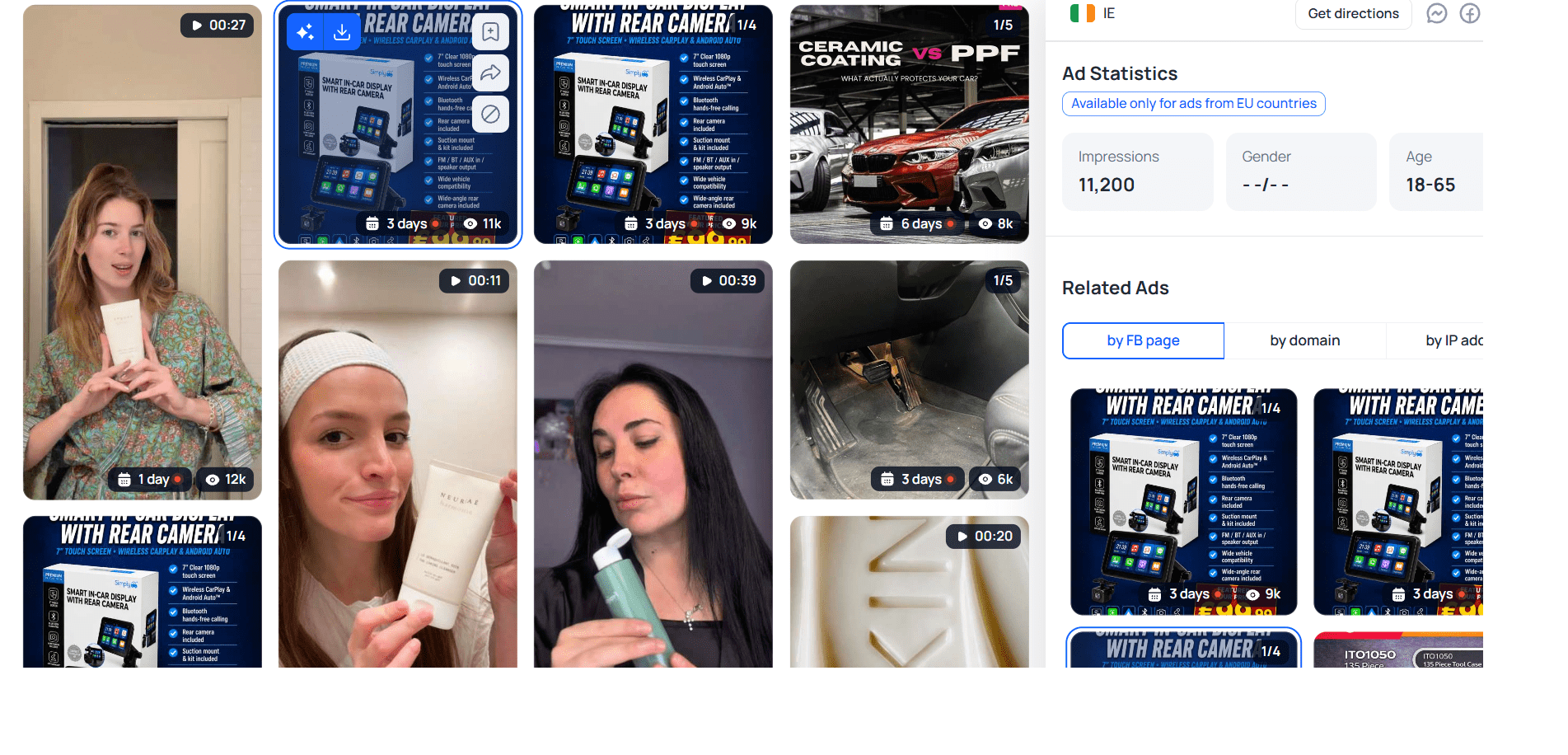
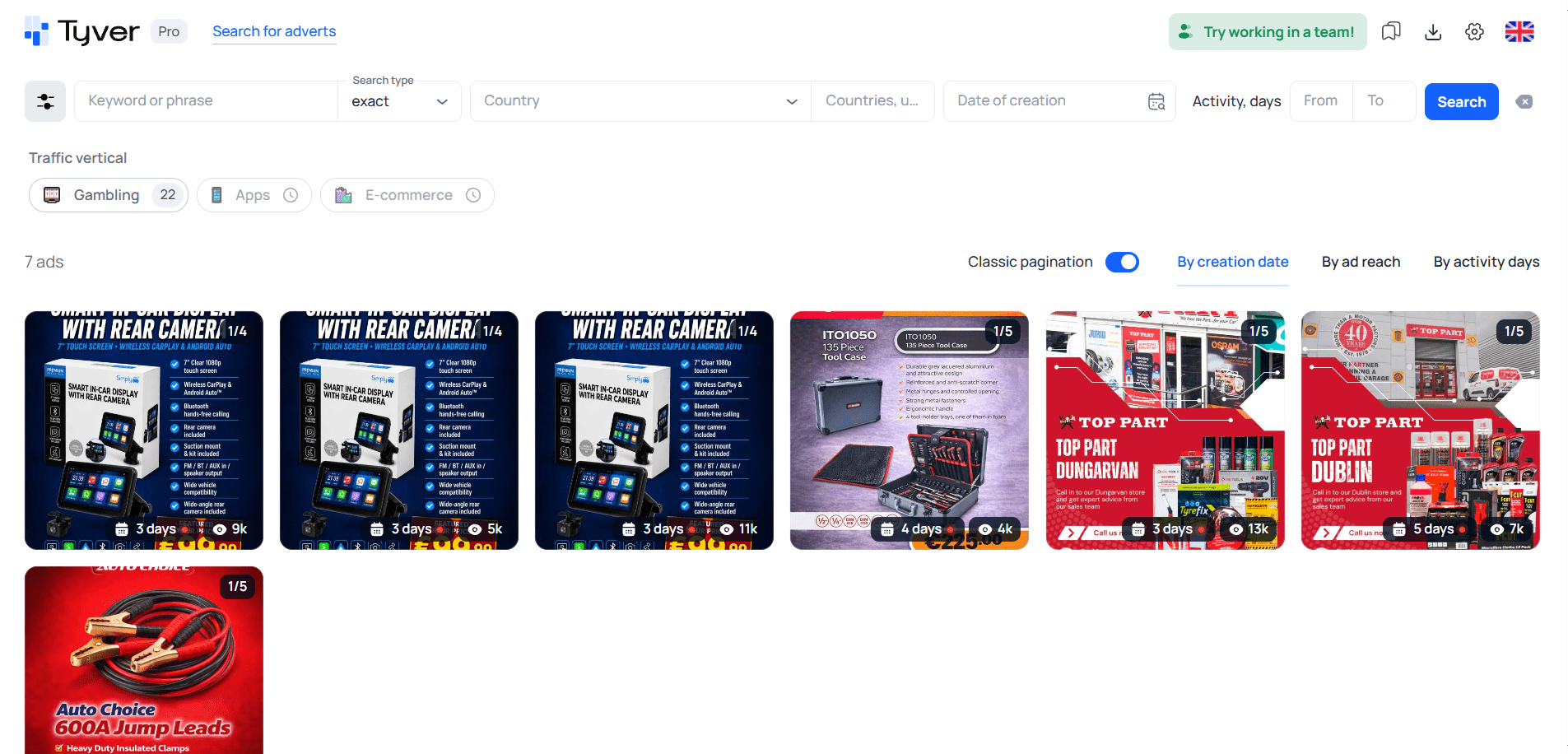
It turns out that this advertiser is promoting dash cams and household appliances through the same fan page. Now let’s open all ads launched from the same domain.
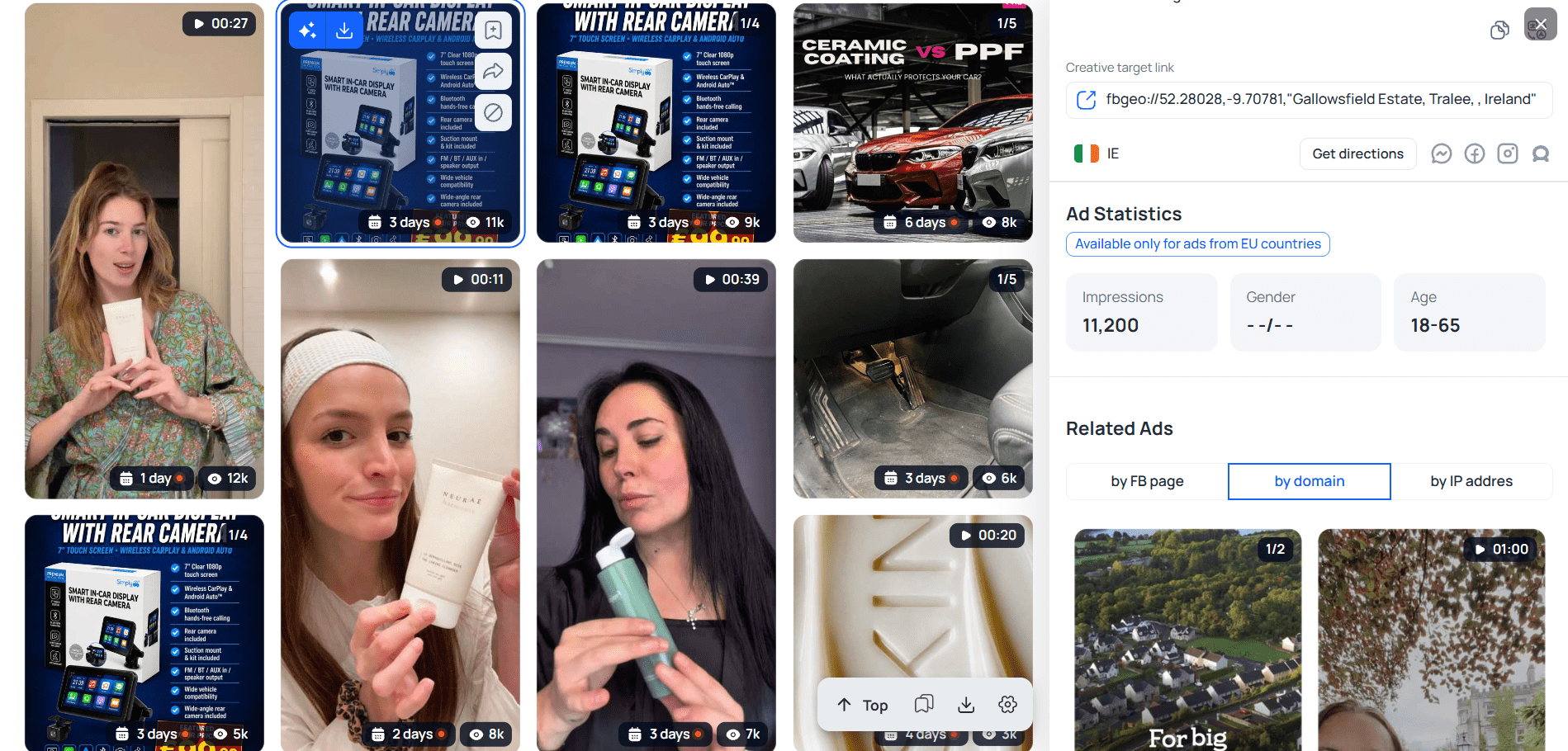
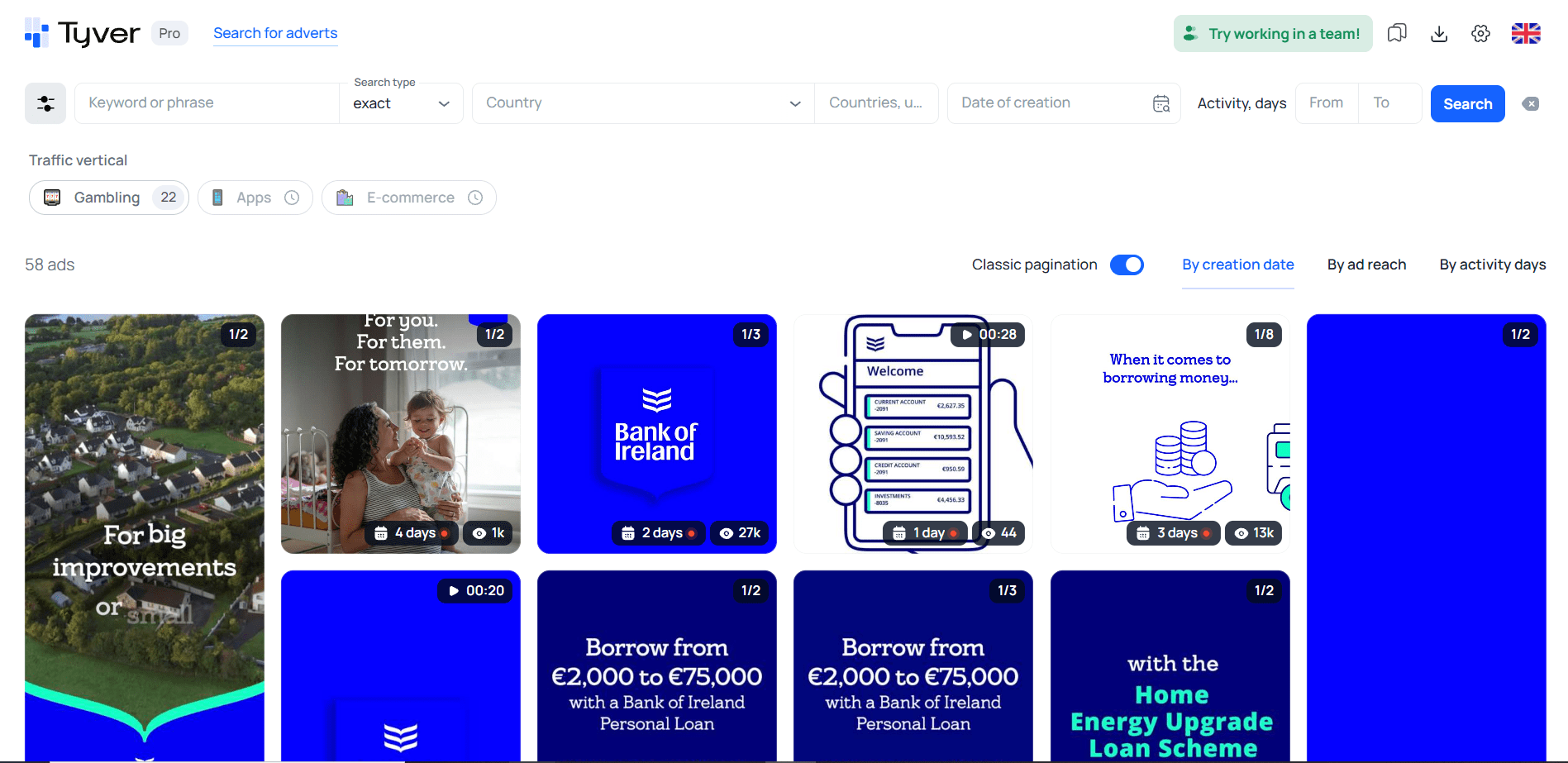
As it turns out, the advertiser is running more than just household appliances and automotive products. At different times, the same domain has been used to advertise bank products. 👀
How to Analyse Competitors’ Creatives?
While testing different products through the same fan page and domain, the advertiser has accumulated a valuable amount of data. If your goal is to find the freshest angle currently being promoted, use the Last Activity filter. 📊
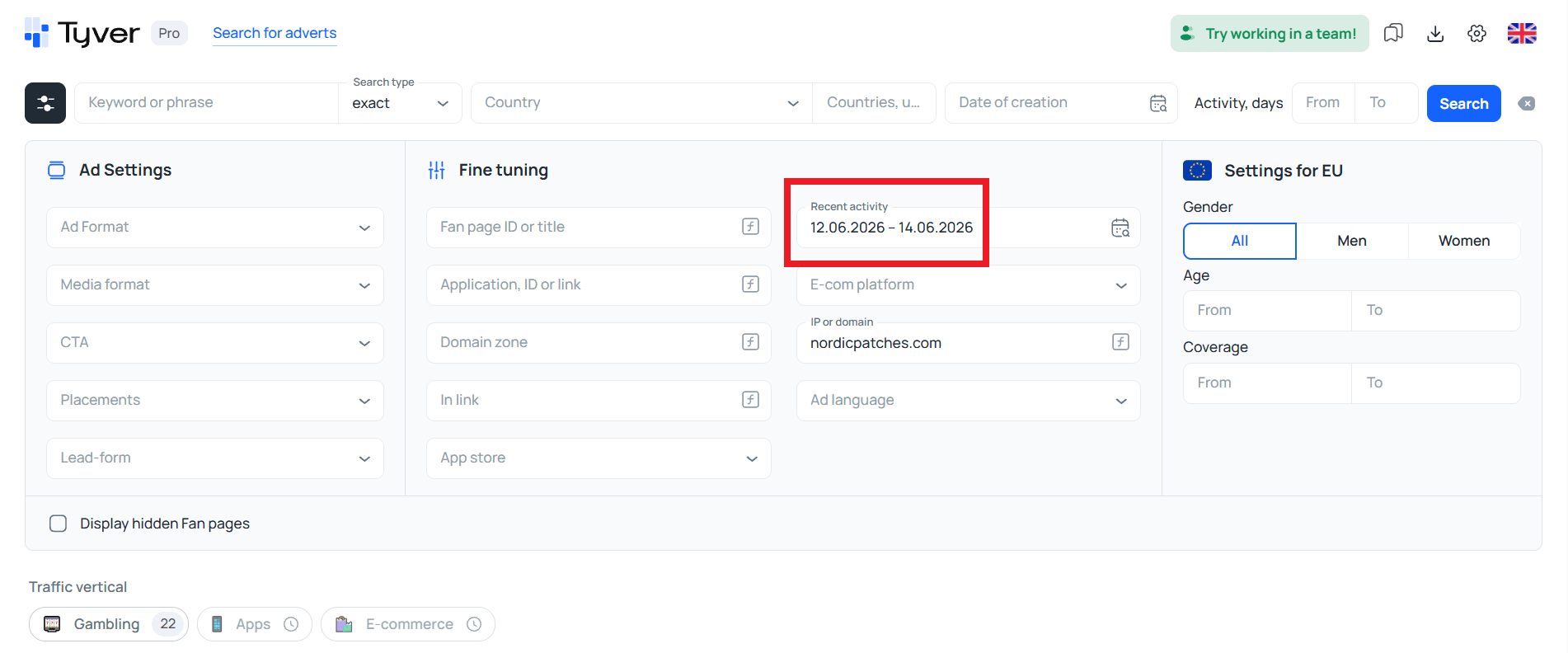
If you’d like to identify the advertiser’s best-performing products, sort the results by views and active days.
As we can see, the most relevant offer at the moment is the black AMG — these ads are still active, whereas the bank product campaigns have long since stopped running.
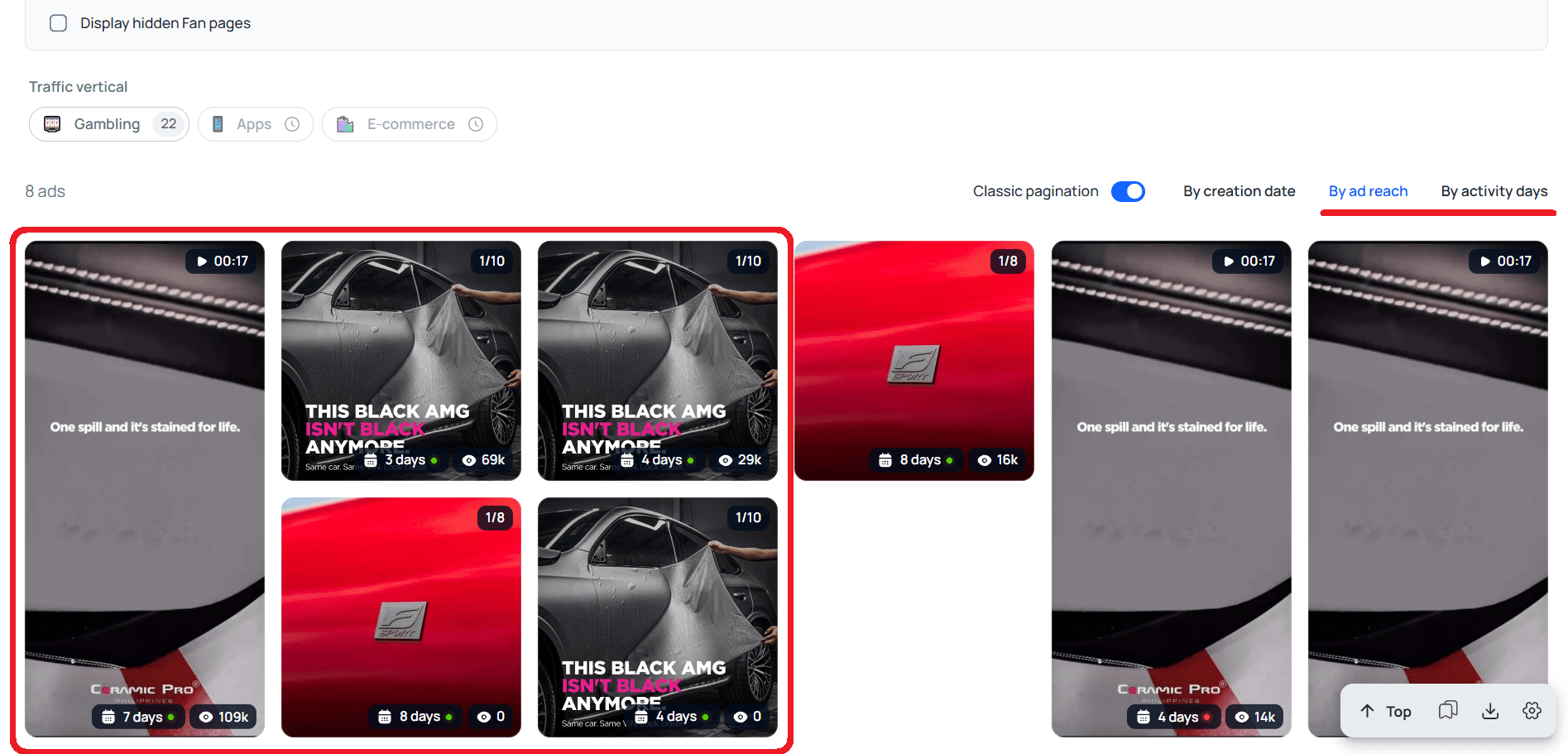
💡 Although their ads are no longer running, they can still tell you a great deal about which products and presentation styles resonate most with consumers.
Why Tyver Instead of the Facebook Ads Library?
The biggest advantage of Tyver over the Meta Ads Library is its compact creative layout.
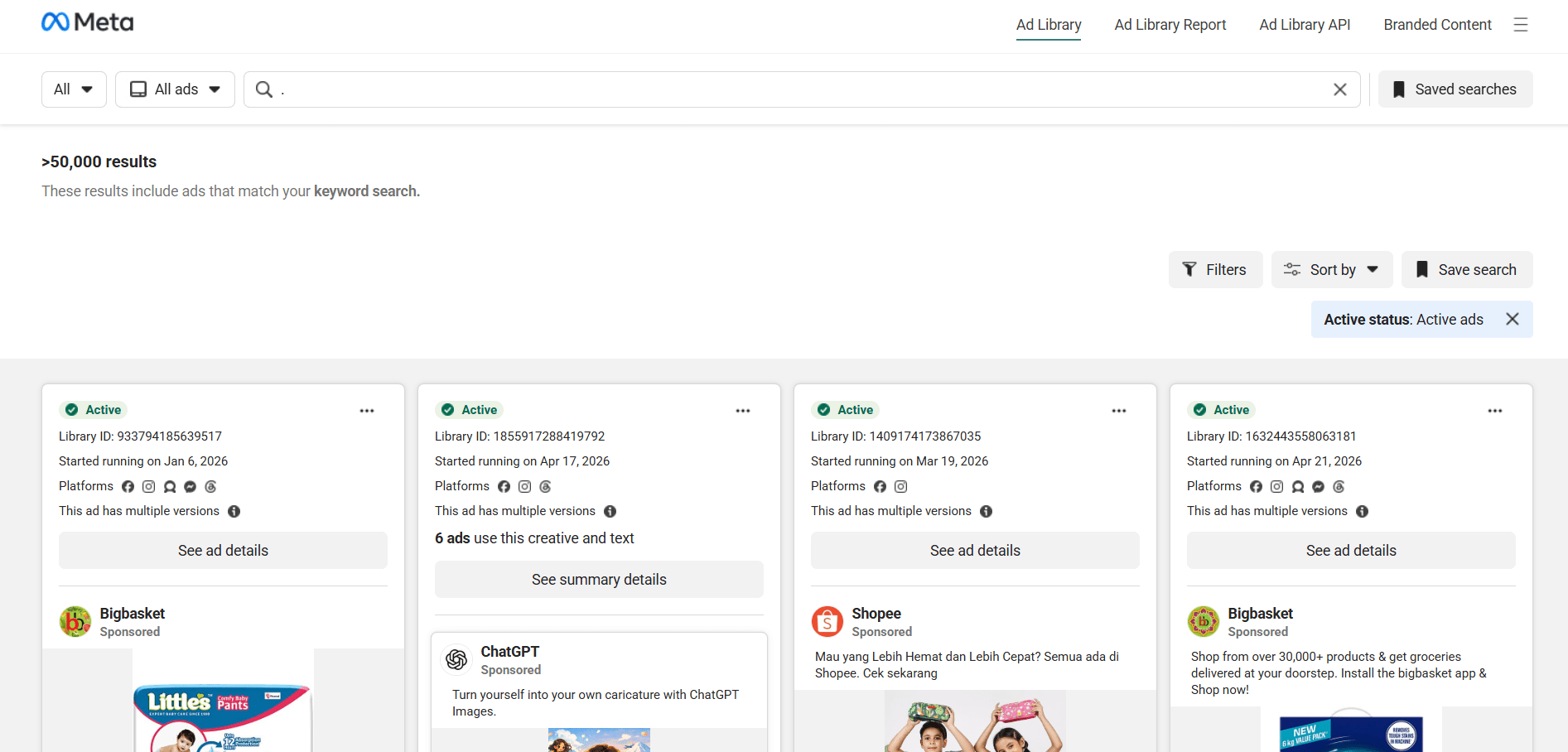
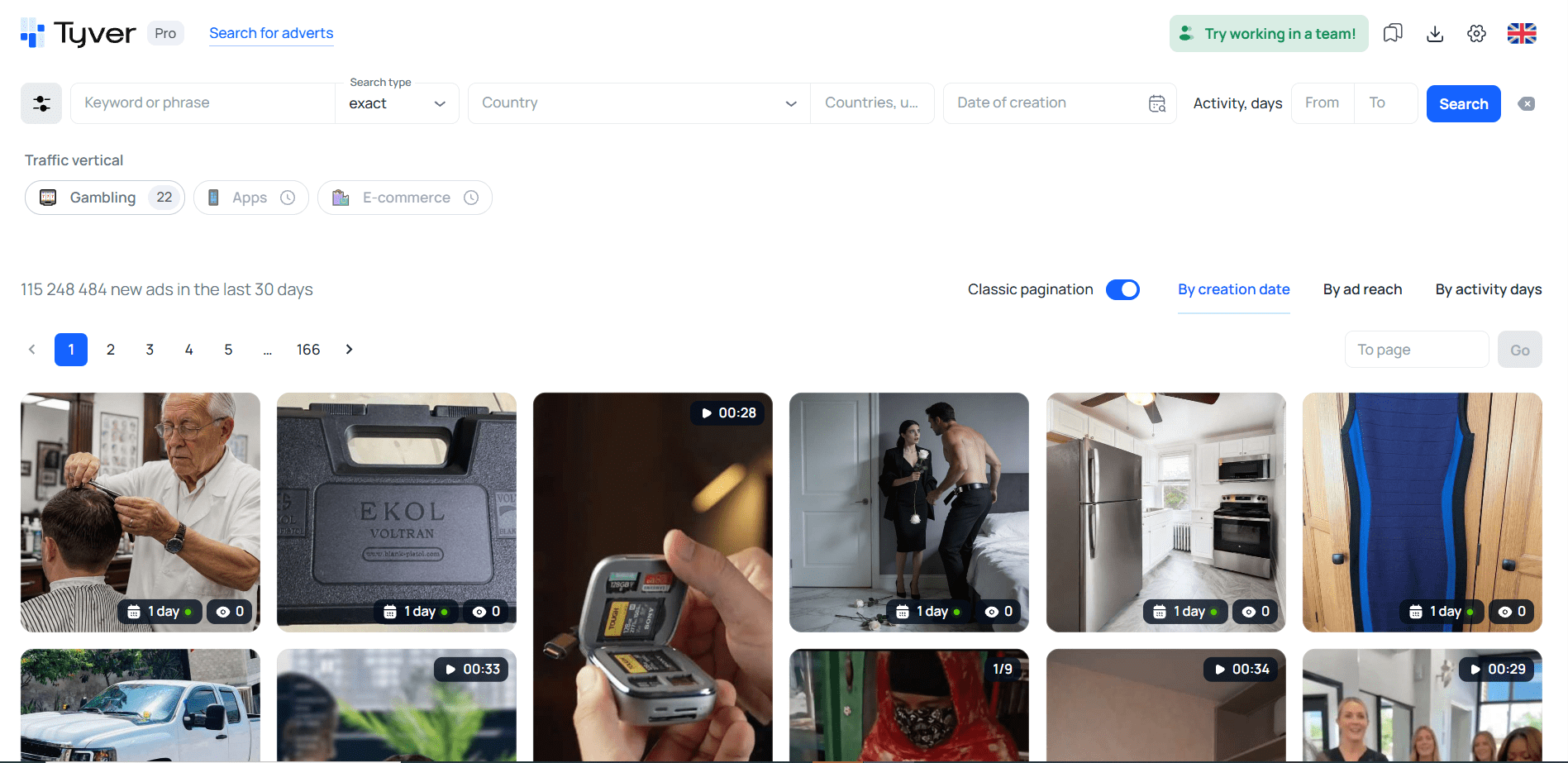
✅ In addition, Tyver offers:
- Filters by CTA buttons, mobile app stores, and e-commerce platforms;
- Search by domains and URL fragments;
- Targeting by country, language, gender, and audience age (currently available only for EU ads);
- The ability to view all ads launched from a single fan page or domain, making it easy to analyse an advertiser’s entire advertising strategy.
Navigation in Tyver is considerably more convenient than in the Meta Ads Library. You can immediately see how many creatives match your query, and essential controls such as sorting are available directly on the screen instead of being hidden behind multiple menus.
Another issue with the Meta Ads Library is that searching without keywords is often difficult. In Tyver, however, relevant creatives can sometimes be found using filters and dedicated niche buttons such as the Gambling button. 🎰
Tyver also allows users to download creatives. In the Meta Ads Library, downloading a video ad typically requires inspecting the page source code.
For these reasons, Tyver is considered one of the best spy tools for affiliate marketing, as confirmed by reviews on independent platforms. ⭐️
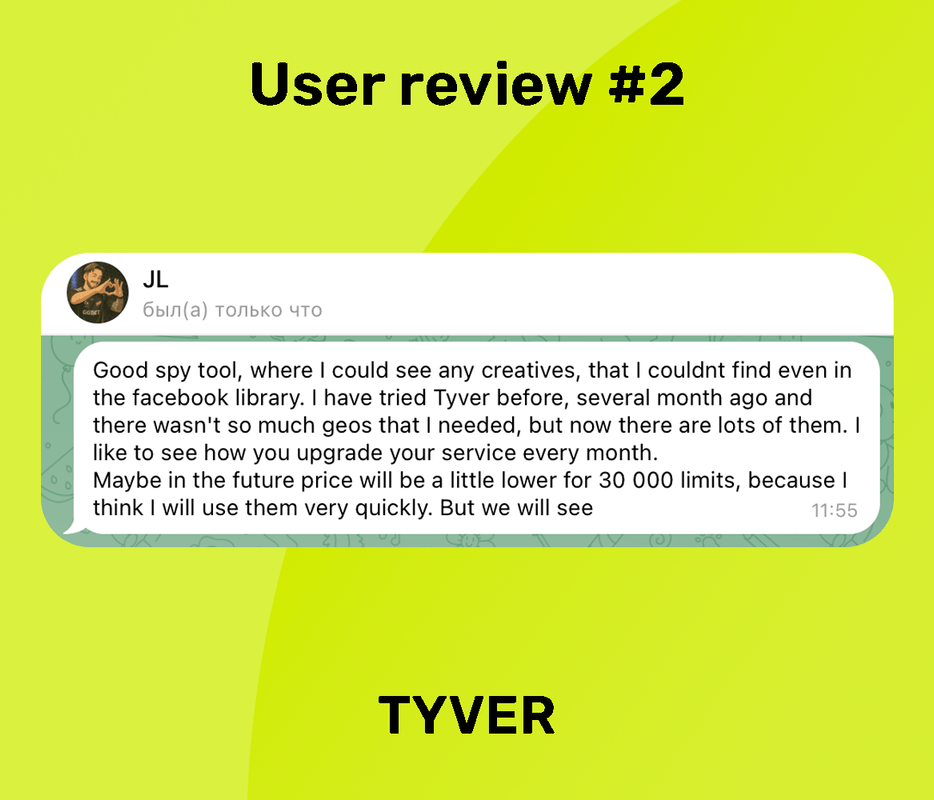
Tyver review on Affmoment.
Conclusion
⭐️ Tyver is not about offering hundreds of features or supporting dozens of advertising platforms. Its strength lies in simplicity, compactness, and a focus on fast, effective ad discovery across Meta platforms.
This is exactly why Tyver is easy to learn and highly versatile. It can be used as a spy tool for e-commerce, gambling, crypto, dating, and many other verticals. Although it is widely regarded as a tool for affiliate marketers, it is equally useful for marketers, online store owners, marketplace sellers, and even content creators.