Incogniton: the anti-detect browser built for affiliate marketers 🤝
Running a single Facebook ad account is manageable. You understand how it behaves, what’s been approved, and how the pixel performs. The setup stays straightforward because everything lives in one place. ✅
The problem starts when you try to scale. At 5 accounts, you’re logging in and out of the same browser. At 10, you’re using incognito tabs and hoping for the best. At 20, Facebook has already flagged most of them and you’re starting over.
The workflow that worked at 1 breaks at scale because it was never built for scale. Incogniton is fills that void. ⚡️
What is Incogniton?
🚀 Incogniton is an anti-detect browser built specifically for managing multiple accounts at scale. Each profile runs inside a fully isolated environment with its own browser fingerprint – canvas rendering output, WebGL parameters, AudioContext response, font set, screen parameters, and hardware signals – constructed to look like a separate physical device. To Facebook’s detection systems, ten profiles on one machine present as ten distinct users on ten distinct devices.
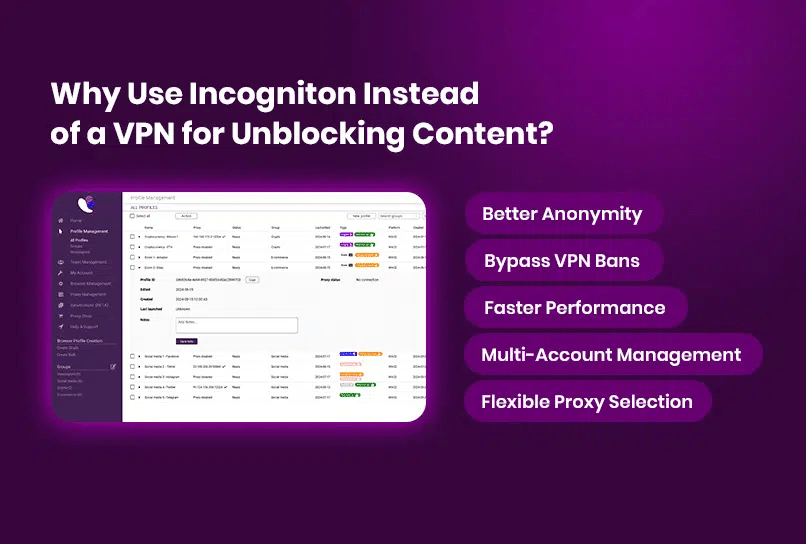
🌐 The distinction from a standard browser, even in incognito mode, is structural. Regular browsers leak a consistent fingerprint across every session. Switch tabs, clear cookies, open a new window – the underlying signals stay the same. A VPN changes your IP but leaves the fingerprint layer untouched, which is why it doesn’t solve the multi-account problem. Incogniton isolates these signals at the profile level, which means accounts can’t be linked by anything other than deliberate human error.
For affiliates running multiple Facebook ad accounts across different offers and GEOs, that isolation is the difference between infrastructure that holds and accounts that disappear after a week.
What it gives you in practice
Here’s what actually matters when you’re running multiple accounts day-to-day, and how Incogniton handles it. ⭐️
Browser profile isolation
🛡️ Each profile runs completely independently. Cookies, local storage, and browser state are not shared, so actions in one profile don’t affect another. You can log in, run campaigns, and come back later without worrying about cross-profile leakage. This is part of how Incogniton’s anti-detect browser architecture works.
Proxy configuration per profile
⚙️ Every profile can have its own dedicated proxy. You can plug in proxies from third-party providers, use Incogniton’s proxy shop, or assign built-in unblocked proxies for lighter tasks. The key point is consistency – each profile keeps its own network identity.
Cookie management
🍪 You can import and export cookies per profile, or generate browsing data when needed. In practice, this helps you avoid starting from scratch every time. Profiles feel like “real” returning users instead of fresh sessions. These capabilities are part of the broader feature set.
Fingerprint control
🔍 Each profile has its own fingerprint setup – OS, browser version, screen resolution, WebGL, fonts, and more. These stay consistent across sessions, which is important for maintaining stable accounts over time. More details on how this works are covered in the anti-detect browser overview.
Automation support
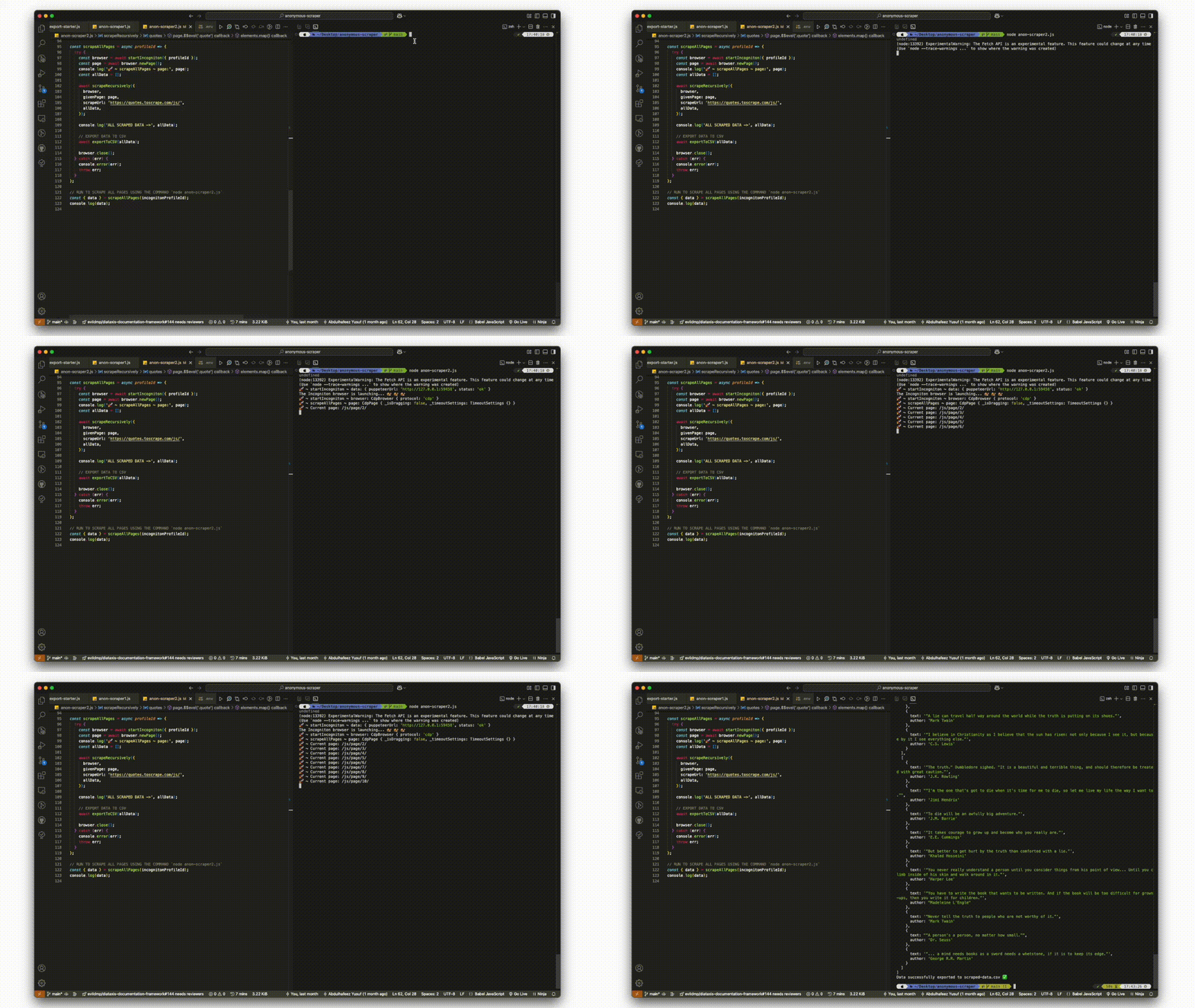
✅ If you’re running things at scale, you can connect profiles to automation workflows. Incogniton works with Playwright, Puppeteer, and Selenium, and also provides Python and TypeScript SDKs for programmatic control. There is a practical guide using Playwright here.
Team access and synchronization
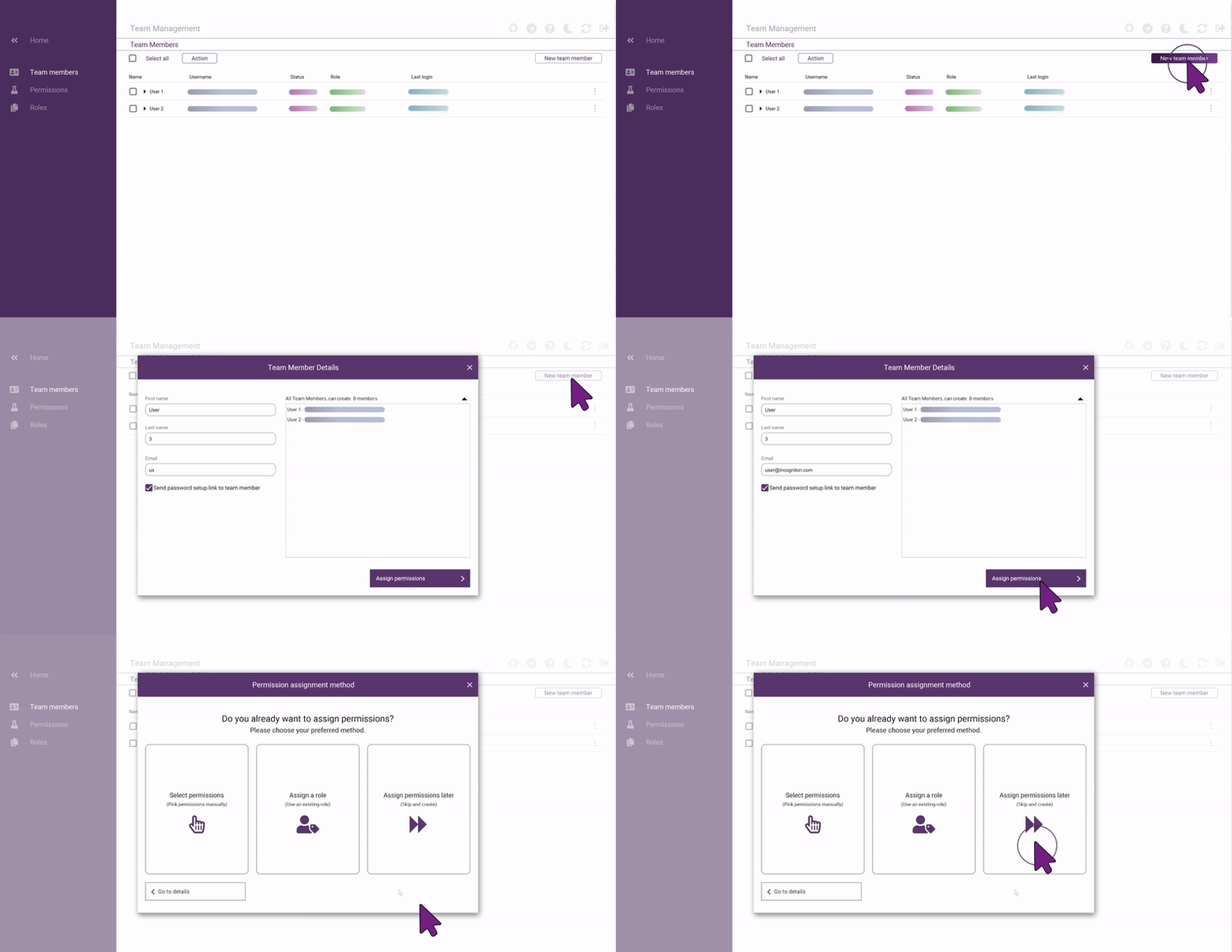
🤝 Profiles can be shared across a team with role-based permissions. Data syncs through encrypted cloud storage, so multiple people can work on the same setup without duplicating effort or breaking isolation.
Privacy and compliance
🤫 Incogniton is developed in the Netherlands and designed with data protection in mind. GDPR compliance and built-in data handling controls help ensure browser data is stored and accessed securely.
Setting up Facebook ad accounts in Incogniton
The setup flow is linear and takes a few minutes per profile. Each step maps directly to a layer Facebook’s systems score.
- Create a new profile. In Incogniton, open Profile Management and click “New Profile”. Assign a name, set the OS to match your target environment, and enable language-by-IP so the browser reports the correct locale for the connection.
- Configure the fingerprint. Under advanced settings, enable font substitution, set Canvas/AudioContext/WebGL to masked, and fix media device counts to a consistent ratio. These are the signals Meta’s systems score most heavily.
- Assign a proxy. Navigate to the Proxy section within the profile. Incogniton has a built-in proxy store accessible directly inside the app – purchase a residential proxy there and assign it to this profile without leaving the platform. Set WebRTC to “fake + via proxy” and Geolocation to “by proxy IP” to ensure no real IP leaks through WebRTC. Click Check Proxy to verify before saving.
- Warm the profile with cookies. Before running any ads, use Incogniton’s cookie import feature to load cookies for the platforms you’ll be working with. A profile with existing cookie history passes Meta’s trust checks more reliably than a cold start. Go to the Cookie section within the profile and import your cookie file for Facebook before launching the session.
- Launch and run. Start the profile. The session opens as a fully isolated browser with its own fingerprint and network identity. From here, create the ad account, upload the creative, and configure the campaign as normal.
Plans and getting started
🎁 Incogniton has a free plan with 10 profiles and a 2-month trial period – enough to test the workflow across a real campaign before committing. Paid plans scale up to hundreds of profiles and add team collaboration, API access, and additional storage options. 😉
Full pricing is at incogniton.com/pricing.
The bottom line
Tyver solves the intelligence problem: what’s working, where, and for how long. Incogniton solves the operational problem that follows, running those campaigns across multiple accounts without the infrastructure collapsing before you’ve had a chance to scale what works.
Both tools target the same workflow at different stages. Used together, they remove 2 of the biggest failure points in affiliate marketing on Meta: creative risk and account risk.